

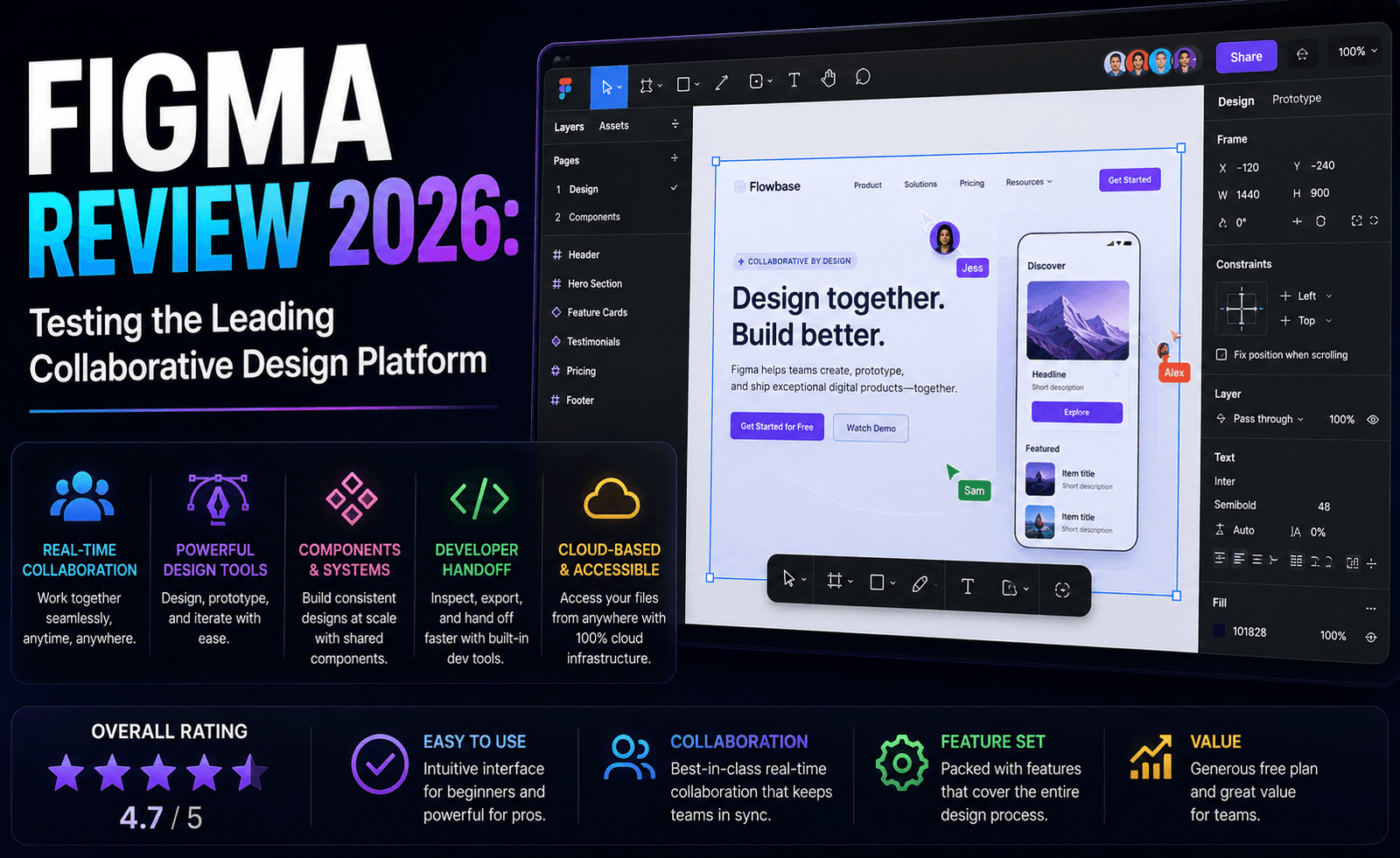
Figma has spent the last few years growing from a UI design tool into something closer to a full creative operating system, and 2026 has been its most eventful year yet: a collapsed Adobe acquisition, an independent public listing, and a wave of new AI-powered products stacked on top of the design canvas that made it famous. We spent weeks testing Figma’s current lineup — Design, Dev Mode, Make, Sites, Slides, and the newer AI tools — to see whether the platform still deserves its reputation as the default choice for collaborative design teams.
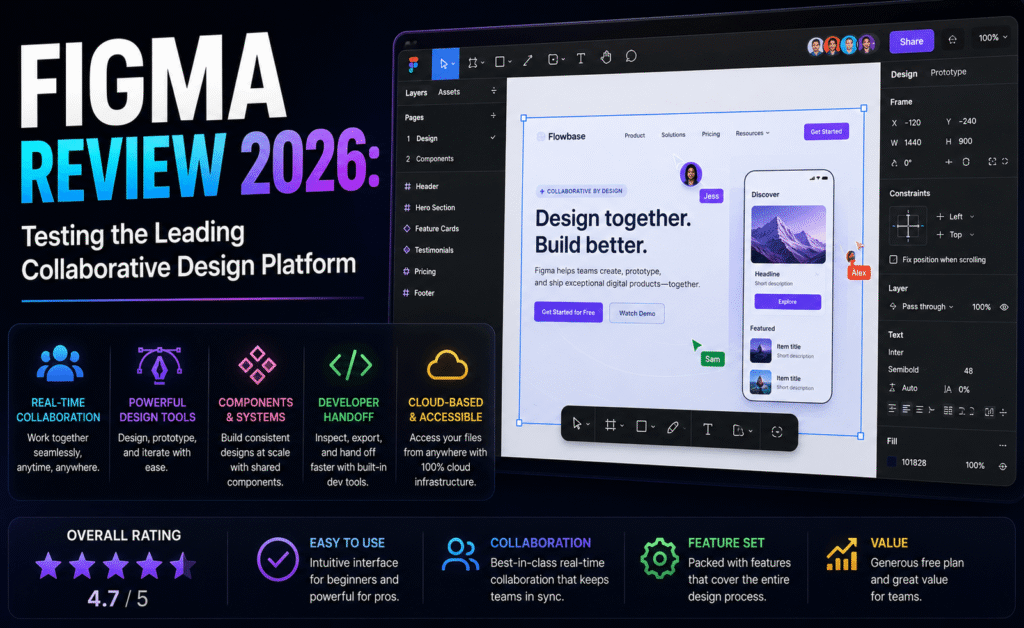
Quick Verdict
| Overall Score | 4.5 / 5 |
| Best For | Product design teams, UI/UX designers, and cross-functional teams that need real-time collaboration |
| Starting Price | Free (Starter plan); Professional from $16/editor/month billed annually |
| Standout Feature | Real-time multiplayer editing combined with Dev Mode handoff |
| Main Drawback | Seat types and AI credits make total cost harder to predict than the headline price suggests |
What Figma Is in 2026
Figma’s core identity is still the browser-based, real-time collaborative design canvas that made it the default choice for interface design over the past several years. What has changed is the scope of the product around that canvas. Figma now bundles Figma Design, Dev Mode, FigJam (its whiteboard tool), Figma Slides, Figma Sites, and newer additions like Figma Make and Figma Draw into a single ecosystem, all accessible from one account. The company also went public on the New York Stock Exchange in 2025 after its planned acquisition by Adobe fell apart, and it has used its independence to push aggressively into AI-assisted design and even AI-assisted app-building.
For teams that only need vector and interface design, this expansion can feel like scope creep. For teams that want to consolidate whiteboarding, prototyping, presentations, and lightweight site-building into one subscription, it is a genuinely compelling pitch, and one that squarely targets the kind of tool sprawl that product teams have historically had to manage across four or five separate subscriptions.
Design and Prototyping, Tested
The core design experience remains best-in-class. Multiple testers editing the same file simultaneously saw each other’s cursors and changes update instantly with no perceptible lag, even on complex files with dozens of components. Auto Layout continues to be one of Figma’s strongest advantages over rival tools, letting designers build frames that resize responsively as content changes, which cuts down dramatically on manual repositioning work.
Component libraries and shared design systems worked reliably across projects, and the Arc tool and vector network system — both long-standing Figma inventions — still make freeform vector work faster than the traditional pen-tool-only approach used in older design tools. Prototyping has also matured, with smart animate transitions and interactive component states covering the vast majority of real product flows without needing a separate prototyping tool.
Dev Mode and Handoff
Dev Mode remains one of Figma’s most practical additions for teams that include engineers. It lets developers inspect a design file, pull exact spacing, color, and typography values, and generate code snippets directly from the canvas, without needing an editing seat. In testing, the code snippets were a reasonable starting point rather than production-ready output, but they meaningfully reduced the back-and-forth that used to happen between design and engineering during handoff. Larger organizations get an additional layer of value here through the Dev Mode MCP Server, which lets external tools query design data directly.
Figma’s AI Push
Figma’s AI features are now woven throughout the product rather than confined to a single panel. Editing tools can generate design variations from a prompt, automate repetitive tasks like bulk-renaming layers or applying consistent styles across frames, and assist with prototype logic by mapping out interaction flows from a written description. Figma Make, a newer addition, goes further and lets users prompt their way to a working app-like prototype, aimed at product managers and designers who want to test an idea without waiting on engineering time.
These features are genuinely useful for accelerating repetitive design work, but they run on a metered AI credit system that varies by plan: the free Starter plan is capped at a modest daily and monthly allotment, while paid Full seats get a larger monthly pool that scales with plan tier. Heavy AI users, particularly teams leaning on Figma Make for prototyping, can burn through their allotment before the billing cycle resets, at which point additional credits must be purchased separately. Anyone budgeting for Figma should treat AI credits as a variable cost sitting alongside the subscription rather than an unlimited bundled perk.
FigJam, Slides, and the Wider Suite
FigJam remains a strong, flexible whiteboarding tool for workshops, retrospectives, and early-stage brainstorming, and it benefits from living in the same account as the design files it often feeds into. Figma Slides is a capable presentation tool that pulls design assets directly from linked files, which is a genuine convenience for teams building product pitches or design reviews. Figma Sites, aimed at quickly publishing simple websites from design files, is less mature than dedicated website builders but is improving quickly and works well for portfolio-style or marketing landing pages that do not need heavy backend logic.
Performance and Cross-Platform Access
Because Figma runs primarily in the browser, performance is more dependent on internet connection quality than most desktop-first design tools, and that remains true in 2026. On a stable connection, even large files with hundreds of components and multiple active collaborators stayed responsive during testing, thanks to Figma’s multiplayer syncing architecture, which is still one of the more technically impressive parts of the product. The desktop app, which wraps the same browser engine, offered a marginally snappier experience for very large files and better handling of offline work, though true offline editing remains limited compared to native desktop applications like Affinity or Photoshop.
Cross-platform access is a genuine strength: the same file opens identically on Windows, macOS, Linux via the browser, and even on tablets, with no format conversion required. For distributed teams working across different operating systems, this removes a category of compatibility problems that plagued earlier generations of design software, where a Sketch file created on a Mac simply would not open properly on a Windows machine.
Pricing and Plans in 2026
Figma restructured its pricing around a consolidated seat model rather than separate per-product charges, which simplifies the buying decision but shifts more of the cost conversation onto seat type.
| Plan | Price | Notes |
|---|---|---|
| Starter | Free | Up to 3 files, capped AI credits, limited version history |
| Professional | $16/editor/mo (annual) or $20/mo billed monthly | Unlimited files, full Dev Mode, ~3,000 AI credits/mo |
| Organization | From $45/editor/mo | Design system analytics, SSO, larger AI credit pool |
| Enterprise | From $90/editor/mo | Advanced security, guest controls, highest AI credit allowance |
Beyond the headline seat price, Figma also differentiates between Full, Dev, and Collab seat types, each priced differently depending on whether the person needs to edit designs, inspect code, or simply comment and view. Mixed-role teams need to plan their seat allocation carefully, since a Collab or Dev seat holder who starts editing design files will be prompted to upgrade to a full-priced seat automatically.
Pros and Cons
- Pro: Best-in-class real-time collaboration with no perceptible lag in multi-editor sessions
- Pro: Genuinely useful Dev Mode that reduces design-to-engineering friction
- Pro: Generous free tier that covers small projects and solo learning
- Pro: Wide ecosystem (whiteboarding, slides, sites) reduces the need for extra tools
- Con: Seat-type structure makes real team cost harder to estimate upfront
- Con: AI credits are metered and can run out during heavy prototyping work
- Con: Newer products like Sites and Make are less polished than the core design tool
- Con: Enterprise and Organization pricing requires direct negotiation, limiting price transparency
How Figma Compares
Adobe XD has effectively exited the standalone interface-design conversation, leaving Figma with limited direct competition in collaborative UI design. Sketch remains popular in some Mac-first studios but lacks Figma’s native real-time multiplayer editing. Canva and Affinity by Canva cover general graphic design and illustration well but are not built around the component-based, developer-friendly workflow that product teams need for interface design. For teams specifically building digital products with engineering handoff as a priority, Figma remains the clearest category leader.
Final Verdict
Figma in 2026 has grown well beyond its original scope, and mostly for the better. The core design and collaboration experience is still the best available for teams building digital products together, and the expansion into whiteboarding, slides, and AI-assisted prototyping genuinely reduces the number of separate tools a product team needs to juggle. The tradeoff is a pricing structure that rewards careful planning: teams that map out their seat types and AI usage before committing will get excellent value, while those that do not may find the final invoice higher than the advertised starting price suggested.
Frequently Asked Questions
Is Figma really free to use?
Yes, the Starter plan is free indefinitely, though it limits users to three collaborative files and a small monthly AI credit allowance, which is enough for personal projects but restrictive for team production work.
Do I need a Dev seat if I only view designs?
No. Figma offers a lower-cost Collab seat for people who only need to comment and view files, reserving the pricier Dev and Full seats for people who need code inspection or editing rights.
Can Figma replace a dedicated presentation tool?
Figma Slides handles most straightforward design-led presentations well, especially when pulling directly from existing design files, though teams with heavy animation or video needs may still prefer a dedicated tool.
Is Figma good for non-designers?
FigJam and Figma Slides are approachable for non-designers, and the free tier is a reasonable way for product managers or marketers to explore the platform before requesting a paid seat.


Leave a Reply