

Every torrenting guide on the internet promises to reveal the “best VPN for P2P,” but most of them skip the part that actually matters: what a torrenting VPN needs to do, mechanically, to keep you safe and fast. BitTorrent is not like normal web browsing. When you join a swarm, every peer in that swarm can see the IP address you’re connecting from — that’s how the protocol works. A VPN’s job is to make sure the IP address they see belongs to a server, not to your home connection. Everything else is a bonus.
Before comparing specific apps or reading a single speed chart, it helps to understand which features actually change your risk exposure and which ones are just marketing copy. This report breaks down what we look for when evaluating a VPN for torrenting, based on how the underlying technology works rather than on brand reputation alone.
What “P2P-Friendly” Actually Means
Not every VPN server is built to handle sustained P2P traffic well, and not every provider even allows it. Some services block torrent traffic outright, either because of legal exposure in the country where the server is hosted or because P2P connections — with their hundreds of simultaneous peer connections — can strain shared server hardware and slow things down for other customers.
Providers that take torrenting seriously usually solve this in one of two ways. The first is running dedicated, P2P-optimized servers, typically located in jurisdictions with fewer restrictions on file-sharing traffic, and clearly labeling them inside the app. The second is allowing P2P traffic across their entire network with no separate server pool at all. Either approach can work well; what matters is that the provider is explicit about it, rather than leaving you to discover a torrent that won’t seed after you’ve already connected.
The Features That Actually Matter
1. A kill switch that holds under real conditions
A kill switch cuts your device’s internet access the instant the VPN tunnel drops, before your real IP address can leak out. For ordinary browsing, a brief drop might mean a page fails to load. For torrenting, it means your IP is broadcast to every peer in the swarm — some of whom are copyright-monitoring firms — for as long as the disconnect lasts. This is the single most important feature on this list, and it’s worth checking that a kill switch is available at the operating-system level, not just inside the torrent client, since server-side drops and Wi-Fi hiccups happen at the network level regardless of which app is open.
2. Port forwarding, or a workable substitute
BitTorrent performs best when other peers can open a direct connection to you, not just the other way around. Most home routers and many VPN servers use Network Address Translation (NAT), which blocks unsolicited incoming connections by default — this is good for security but bad for seeding speed and swarm connectivity. Port forwarding opens a specific port so peers can reach you directly, which typically improves download speed and, more importantly, your ability to seed effectively. Not every VPN offers this. Some, including several of the largest providers, have removed it in recent years, citing abuse-prevention or legal concerns in specific countries. If port forwarding isn’t available, a SOCKS5 proxy is sometimes offered as an alternative, though it generally provides IP masking without the same connectivity boost, and in some implementations it adds an extra hop that can reduce speed rather than improve it.
3. A no-logs policy that’s been tested, not just claimed
Every VPN’s marketing page says “we don’t log your activity.” The distinction that actually matters is whether that claim has been checked by someone other than the company itself. Independent, published audits from established cybersecurity firms are one form of evidence. Real-world court cases or government data requests where a provider had nothing usable to hand over are another, arguably stronger, form of evidence, because they show the policy holding up under actual legal pressure rather than in a lab setting. When a provider has been audited multiple times over several years, that consistency is worth more than a single audit from years ago.
4. A jurisdiction that isn’t actively hostile to your privacy
Where a company is legally headquartered determines which government can compel it to hand over data, and under what process. Countries with strong data-protection law and no mandatory data-retention requirements for VPN providers give a company less to hand over even if it’s legally compelled to try. This isn’t the only factor that matters, but combined with a genuine no-logs architecture, it closes one more avenue through which your activity could theoretically be reconstructed.
5. Enough server capacity that P2P traffic doesn’t crawl
Torrenting is bandwidth-hungry, especially when you’re seeding several files at once. A provider with a small server network, or one where P2P traffic is squeezed onto a handful of locations, will show it during peak hours through slower, less consistent speeds. A larger, better-distributed network — particularly one with P2P-capable servers close to your actual location — tends to hold up better under sustained load. The current-generation VPN protocols (WireGuard and its proprietary variants) also make a measurable difference here compared to older protocols like plain OpenVPN, since they handle reconnections and throughput more efficiently.
What Matters Less Than the Marketing Suggests
A few things get heavily advertised but move the needle less than people expect. The total number of server locations, for instance, matters far less than whether P2P is actually enabled on the servers near you — a provider with 3,000 servers but only a handful configured for P2P traffic isn’t necessarily better than one with a smaller, well-optimized P2P network. Similarly, headline speed numbers from a provider’s own marketing materials should be treated as a ceiling under ideal conditions, not a guarantee; real-world torrenting speed depends heavily on server load, your own ISP, the number of seeders on a given torrent, and the time of day.
How to Read Speed Claims in VPN Reviews
Almost every torrenting VPN comparison includes a speed chart, and almost none of them explain the conditions behind the numbers. A download speed recorded on a fiber connection in a data-center-dense country, at 3 a.m. local time, on a lightly loaded server, tells you very little about what you’ll see on a home cable connection during peak evening hours. Treat published speed figures as a rough indicator of relative performance between providers tested under the same conditions, not as a prediction of your own results. The more useful question to ask is whether a provider’s P2P servers are geographically close to you and whether the app shows real-time server load, since both of those factors affect your actual experience far more than a headline number from a lab test on the other side of the world.
It’s also worth distinguishing between VPN overhead and torrent-swarm limitations. Encryption and routing through a VPN server will always cost you some speed compared to an unprotected connection — typically somewhere in the range of 5 to 20 percent on a modern protocol with a nearby server, though this varies. If your torrent is downloading slowly even with a fast VPN connection, the bottleneck is often the swarm itself: a torrent with few seeders will be slow no matter what connects you to it.
Frequently Asked Questions
Does a VPN slow down torrenting?
Yes, to some degree — encrypting and rerouting traffic through a VPN server always adds some overhead. A well-optimized P2P server on a modern protocol like WireGuard minimizes this, but it won’t be zero. In practice, the swarm you’re downloading from usually has a bigger effect on speed than the VPN itself.
Do I need port forwarding to torrent safely?
No. Port forwarding improves connectivity and speed, particularly for seeding, but it isn’t required for privacy. A kill switch and a genuine no-logs policy matter more for safety; port forwarding is a performance feature.
Is a free VPN good enough for torrenting?
Generally, no. Most free VPN tiers either block P2P traffic entirely, limit bandwidth in ways that make torrenting impractical, or — in the worst cases — monetize the service by logging and selling usage data, which defeats the purpose. If a provider offers a free plan alongside paid tiers, check specifically whether P2P is enabled on that free tier before assuming it works the same way as the paid version.
Legal Content First, Every Time
None of the features above change what’s legal to download. A VPN protects the privacy of your connection; it doesn’t change the copyright status of a file. Downloading Linux distributions, public-domain films, Creative Commons-licensed music, or your own backed-up files over BitTorrent is legal in essentially every jurisdiction. Downloading commercially copyrighted material without a license generally isn’t, regardless of whether a VPN is active. We cover this distinction in more depth in our companion guide on the legal side of torrenting, but it’s worth stating plainly here too: use these features to protect legitimate, lawful file-sharing, and check the copyright status of what you’re downloading before you start the torrent, not after.
A Practical Pre-Download Checklist
- Confirm the server you’re connecting to is explicitly labeled for P2P traffic, or that the provider allows torrenting network-wide.
- Turn the kill switch on manually if it isn’t enabled by default — many providers ship with it off.
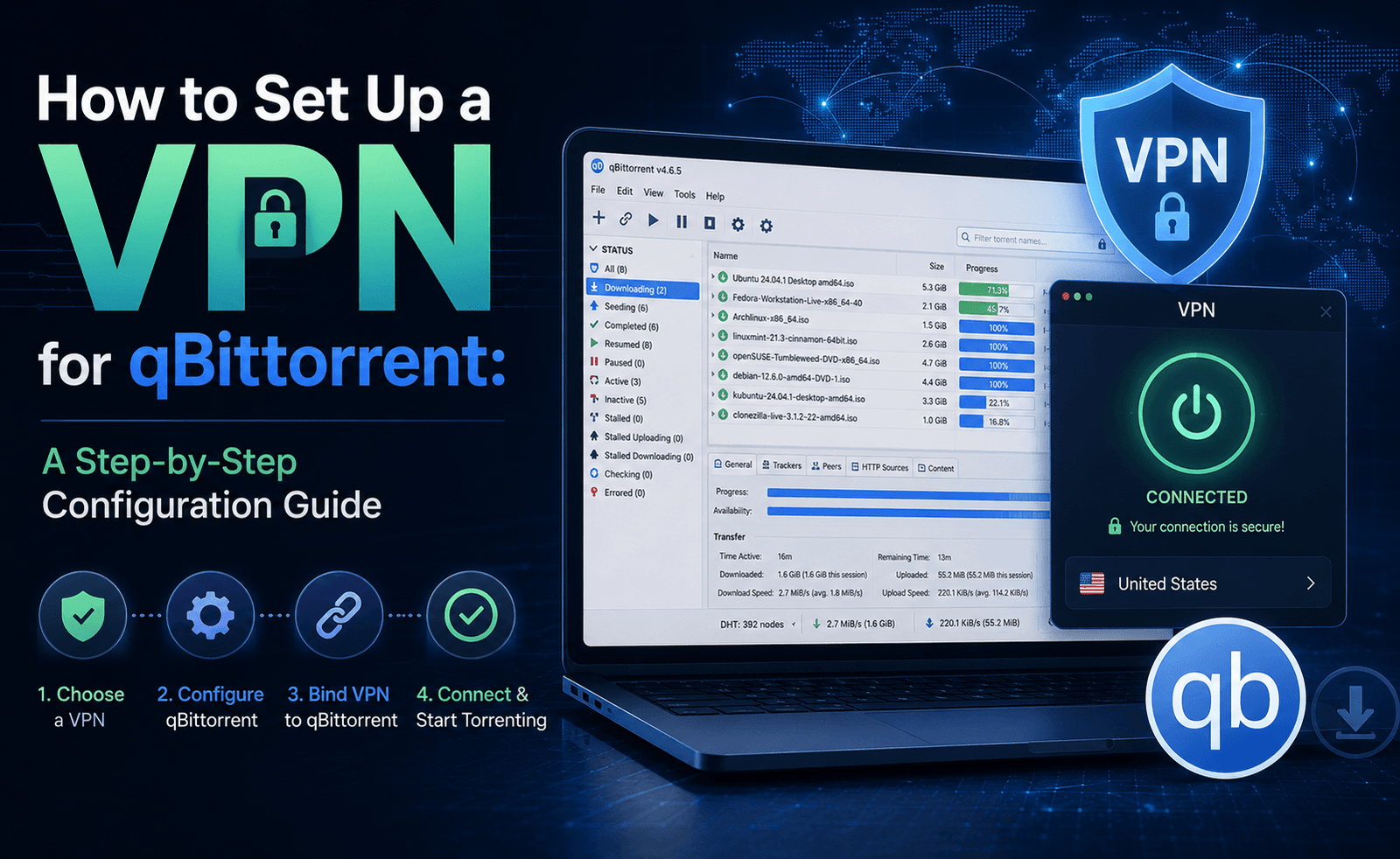
- Bind your torrent client to the VPN’s network interface if that option exists, so downloads stop entirely if the tunnel drops rather than silently falling back to your real connection.
- Enable port forwarding if it’s available, and match the forwarded port in your torrent client’s connection settings.
- Run a quick IP and DNS leak test after connecting, before you start seeding anything.
- Stick to WireGuard or the provider’s fastest modern protocol rather than legacy OpenVPN settings, unless you have a specific reason to use the latter.
The Bottom Line
A good torrenting VPN isn’t defined by the longest feature list or the biggest server count. It’s defined by whether a handful of specific things are true: P2P traffic is genuinely supported and fast, a kill switch will actually catch a dropped connection, the no-logs claim has been tested by someone other than the company itself, and the provider is based somewhere that doesn’t undermine any of the above. Everything else — apps, extra tools, bundled antivirus — is worth having, but it isn’t what keeps your IP address off a swarm list. Start with those fundamentals, confirm them rather than assuming them, and the rest of the decision gets a lot easier.


Leave a Reply