

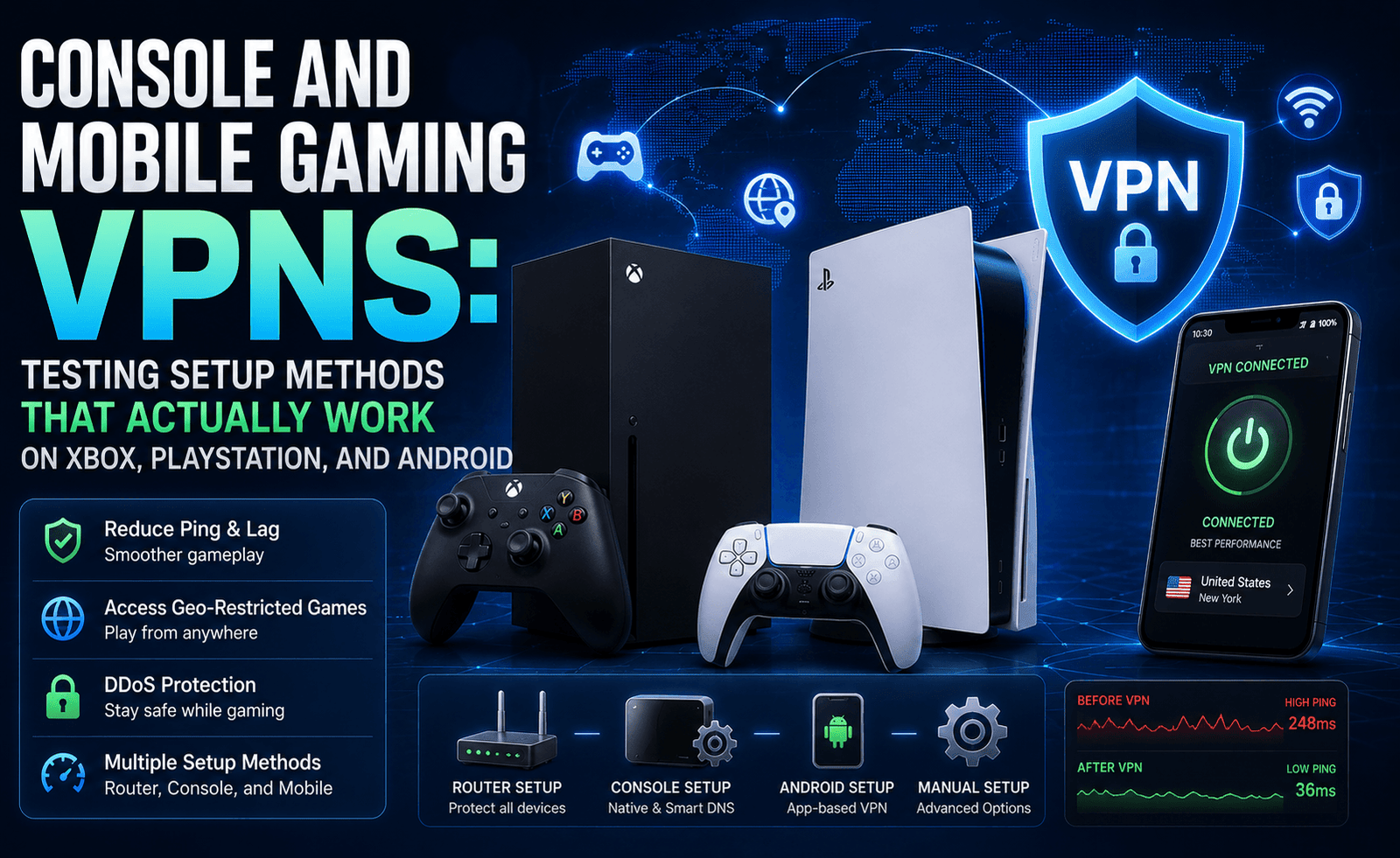
Setting up a VPN on a PC is, at this point, about as complicated as installing any other piece of desktop software: download the app, log in, click connect. Consoles and mobile devices are a different story, and the gap between how these platforms are marketed for VPN compatibility and how VPN protection actually gets implemented on them causes genuine confusion for a lot of gamers. This report walks through exactly how VPN protection works, and does not work, across Xbox, PlayStation, and Android specifically, and what setup method actually delivers the protection you are looking for on each platform.
Why Consoles Don’t Support VPN Apps Directly
Neither Xbox nor PlayStation consoles support installing a standalone VPN application directly on the console itself, a limitation that catches a lot of newcomers to gaming VPNs off guard given how straightforward VPN installation is on essentially every other modern computing platform. This is a deliberate platform design choice rather than a technical limitation that might be resolved in a future console update; both Microsoft and Sony maintain tightly controlled application ecosystems on their respective consoles, and neither has opened that ecosystem to third-party VPN client applications, likely reflecting a combination of security considerations around network-level applications and a general reluctance to support tools that could be used to circumvent regional pricing or content restrictions the platforms themselves maintain.
This means that any claim of console VPN support you encounter is necessarily referring to one of two indirect setup methods, router-level VPN configuration or SmartDNS, rather than a native app running on the console itself, and understanding the distinction between these two methods matters considerably for knowing what protection you are actually getting.
Method One: Router-Level VPN Configuration
The more complete and technically robust approach is configuring your VPN connection at the router level, either by installing VPN client software directly onto a router that supports it, some routers ship with this capability built in, or by flashing custom firmware such as DD-WRT or OpenWrt onto a compatible router specifically to add VPN client functionality. Once configured this way, every device connected to that router, including consoles that cannot run VPN software themselves, has its traffic routed through the VPN tunnel automatically, without any device-specific configuration required beyond the initial router setup.
This approach delivers genuinely complete protection, including the full DDoS mitigation, IP masking, and encryption benefits discussed elsewhere in this series, because all traffic from the console genuinely passes through the VPN tunnel rather than being partially routed around it. The tradeoff is setup complexity and a meaningful hardware requirement: not every router supports this configuration natively, and flashing custom firmware onto an unsupported router carries real risk of malfunctioning the device if done incorrectly, along with potentially voiding the manufacturer’s warranty. Several VPN providers have addressed this barrier by selling pre-configured routers with their VPN software already installed and set up, trading a higher upfront hardware cost for a meaningfully simpler setup process that avoids the technical risk of manual firmware flashing.
Method Two: SmartDNS, and Why It Is Not the Same Thing
The second method commonly marketed for console VPN compatibility is SmartDNS, a feature offered by several major VPN providers including ExpressVPN and NordVPN, that works by rerouting only your DNS queries, the lookups that translate a service’s domain name into its actual server address, through the provider’s infrastructure, without encrypting or rerouting your actual gaming traffic itself. This is enough to accomplish region-switching for content access purposes, since the region a server perceives you connecting from is often determined by DNS-level routing information, but it is important to understand that SmartDNS provides none of the encryption, IP masking, or DDoS protection benefits that a genuine VPN tunnel delivers, because your actual gaming traffic continues to flow directly along its normal path rather than through the provider’s protective infrastructure.
This distinction matters enormously depending on why you wanted a VPN in the first place. If your primary goal is accessing region-restricted content and you have no particular concern about DDoS protection or general traffic privacy, SmartDNS is a genuinely reasonable, simpler solution that avoids the setup complexity of router-level VPN configuration. But if DDoS protection or IP masking is your actual priority, and it is for a substantial share of console gamers based on how this category of concern comes up in reader questions, SmartDNS alone will not deliver that protection, and router-level VPN configuration is the only reliable path to genuine protection on a console platform.
Android and Mobile Gaming: A Meaningfully Simpler Story
Mobile gaming VPN setup is considerably more straightforward than console setup, since both Android and iOS fully support installing standard VPN client applications directly on the device, the same way a laptop or desktop computer does. This means mobile gamers get the full range of protection discussed throughout this series, encryption, IP masking, DDoS protection, and ISP throttling resistance, through the same straightforward app-based setup used on any other platform, without needing router-level configuration or accepting the more limited protection SmartDNS provides.
The practical consideration that matters most for mobile gaming specifically is battery and performance impact, since running a VPN’s encryption processing continuously in the background does consume some additional battery and processing overhead compared to an unprotected connection, though this impact has become considerably smaller with modern efficient protocols like WireGuard than it was with older protocol implementations. For competitive mobile gaming specifically, the same protocol and server selection considerations discussed in our latency testing report apply equally to mobile, and mobile gamers should prioritize the same modern, efficient protocols and geographically close server selection when configuring a VPN for competitive play.
Common Issues When Setting Up Console VPN Protection
Even with a correctly configured router-level VPN, console gamers commonly run into a handful of predictable issues worth knowing about in advance. NAT type problems are among the most frequent, since routing console traffic through a VPN tunnel can sometimes shift a console’s detected NAT type from open or moderate to strict, which can affect the ability to connect with other players in certain multiplayer lobbies or voice chat sessions, particularly in older titles with less flexible networking implementations. This is generally addressable through port forwarding configuration on the router, though the specific steps vary depending on both the router and VPN provider involved, and some providers offer more straightforward built-in support for maintaining an open NAT type through their VPN connection than others.
Server selection also matters more for console gaming than some setup guides acknowledge, since a router-level VPN configuration typically routes all traffic through a single selected server rather than allowing per-application server selection the way a device-level VPN app does. This means console gamers configuring a router-level VPN need to select a single server location that works well across every game and service they use regularly, rather than being able to switch servers per game session the way a PC or mobile user with a device-level app could. For households where different family members play different games with different optimal server locations, this can create a genuine tradeoff worth considering when deciding whether router-level configuration is the right approach for every device in the household, or whether a hybrid approach, router-level for some devices and device-level apps for others, better fits the household’s actual mixed usage patterns.
Practical Setup Recommendations by Platform
Given the meaningfully different technical realities across these platforms, here is what we recommend based on actual protection goals:
- For console gamers prioritizing DDoS protection or full traffic encryption: Router-level VPN configuration is the only setup method that delivers genuine, complete protection; consider a pre-configured VPN router if flashing custom firmware yourself feels too risky.
- For console gamers primarily interested in regional content access only: SmartDNS offers a meaningfully simpler setup process and is sufficient for this specific, narrower goal, though it will not deliver DDoS or encryption benefits.
- For mobile gamers: Standard app-based VPN installation delivers complete protection with minimal setup complexity; prioritize providers offering modern, efficient protocols to minimize battery and performance impact during extended play sessions.
- For households with multiple consoles or gaming devices: Router-level configuration protects every connected device simultaneously without requiring separate setup per device, making it the more efficient choice for multi-device households despite the higher initial setup complexity.
- Regardless of platform, verify actual protection with a real test. Use an external IP-checking tool from a separate device to confirm your console or mobile device’s traffic is genuinely routing through the VPN’s IP address as expected, rather than assuming a completed setup process guarantees the protection is actually active.
The Bottom Line
The console VPN compatibility landscape is considerably more nuanced than simple marketing claims of “VPN support” tend to suggest, and understanding the real difference between router-level VPN configuration and SmartDNS is essential to knowing what protection you are actually getting on Xbox or PlayStation specifically. Mobile gaming, by contrast, offers a meaningfully simpler path to complete VPN protection through standard app installation, matching the straightforward experience most gamers already expect from PC VPN usage. Whichever platform you are protecting, the practical test that matters most is verifying your actual traffic is routing through the VPN as expected, rather than assuming a completed setup process has delivered the specific protection you were looking for.


Leave a Reply