

Two features come up in almost every serious discussion of torrenting VPNs: the kill switch and port forwarding. They get mentioned together so often that it’s easy to assume they do similar things. They don’t. One is a safety mechanism that prevents your IP address from leaking; the other is a performance feature that improves how well you connect to other peers. Understanding the difference — and why torrenting specifically depends on both more than ordinary browsing does — makes it much easier to evaluate whether a VPN is actually suited to P2P use.
What a Kill Switch Actually Does
A VPN tunnel isn’t a permanent, unbreakable connection. Servers restart for maintenance, Wi-Fi drops for a second when you walk between rooms, an ISP hiccups, or a protocol occasionally needs to renegotiate a connection. On an unprotected setup, when the VPN tunnel drops, your device typically falls back to your regular internet connection automatically and silently, often without any visible indication that anything changed. For ordinary browsing, that’s a minor inconvenience — a page reloads, maybe over your real IP for a few seconds. For torrenting, it’s a meaningfully different problem, because the moment your real IP is visible, it’s broadcast to every other peer in the swarm you’re connected to, some of whom, particularly on popular torrents, are running monitoring software specifically to log exactly that.
A kill switch solves this by cutting your device’s internet access entirely the instant the VPN tunnel disconnects, rather than allowing a fallback to unprotected traffic. No internet access at all, even briefly, is a better outcome for a torrenter than a few seconds of unprotected access on a live swarm connection.
System-level vs. app-level kill switches
Not all kill switches work the same way, and the distinction matters more for torrenting than for most other use cases. A system-level (or OS-level) kill switch blocks all internet traffic on the device the moment the VPN drops, regardless of which application is running. An app-level kill switch, by contrast, only closes specific applications — typically your torrent client — when the VPN disconnects. App-level kill switches are useful, but they depend on the VPN software correctly detecting the drop and closing the right process in time, which introduces a small window of exposure that a system-level block avoids. When both options exist in a VPN’s settings, the system-level version is generally the safer choice for torrenting specifically, even though it’s more disruptive to your broader internet use while it’s engaged.
Binding your torrent client to the VPN interface
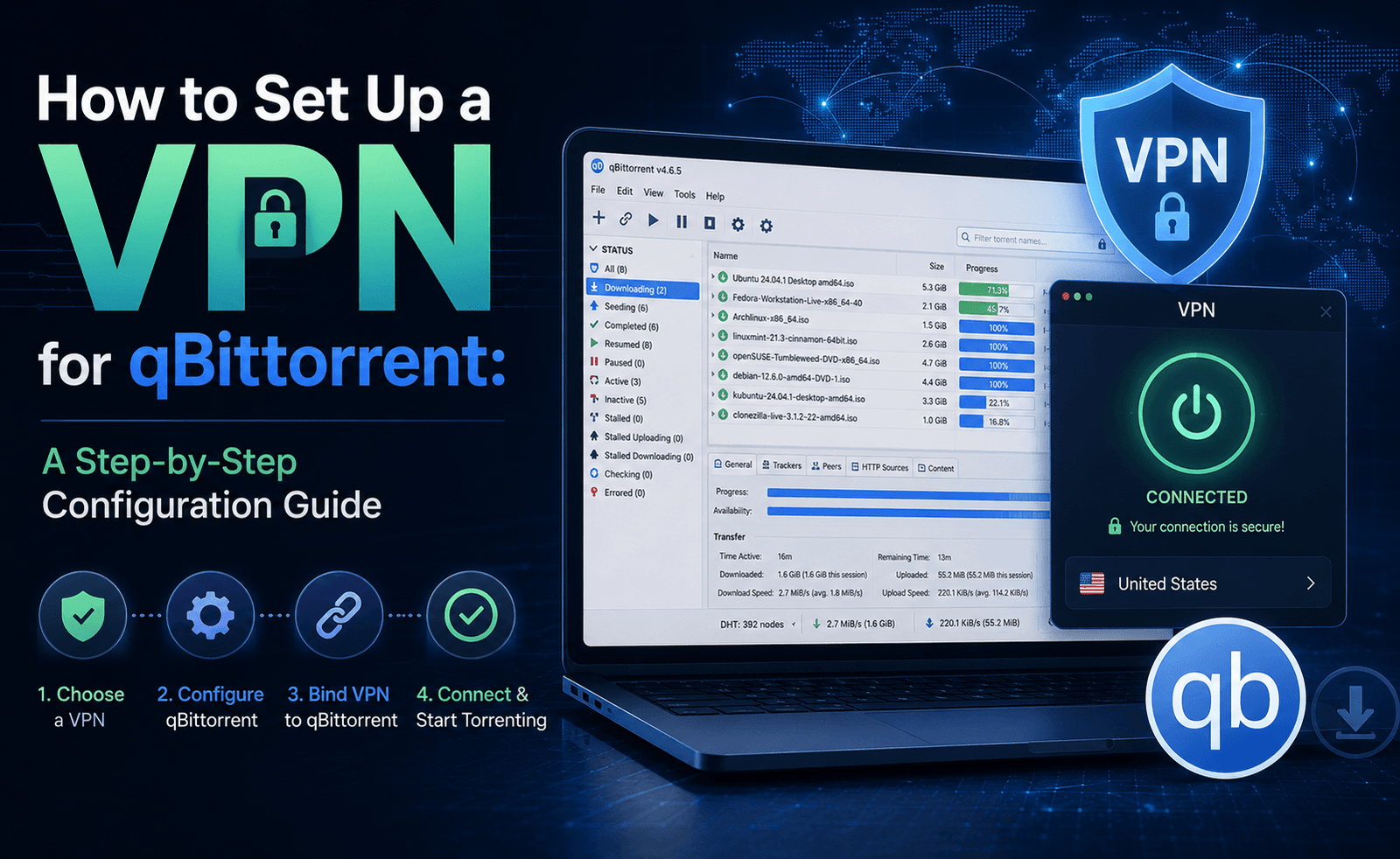
A complementary, and in some ways stronger, safeguard is available directly inside many torrent clients: binding the client to a specific network interface. qBittorrent, Deluge, and several other clients let you specify which network adapter the application is allowed to use. If you set this to your VPN’s virtual network adapter specifically, the torrent client will simply stop transferring data if that adapter isn’t active — it has no fallback path to your regular network adapter at all. This is worth setting up in addition to a kill switch, not instead of one, since it protects specifically against VPN drops while the app-level or system-level kill switch protects your device more broadly.
What Port Forwarding Actually Does
Port forwarding addresses a completely different problem: connectivity, not privacy. Most home routers, and by extension most VPN servers, use Network Address Translation (NAT), which by default blocks unsolicited incoming connection requests as a basic security measure. This is generally a good thing, but BitTorrent relies on peers being able to connect to each other directly and bidirectionally — when both sides of a connection are behind NAT with no forwarded port, they often can’t establish a direct connection to each other at all, forcing the transfer to rely on other peers who do have open ports.
Port forwarding opens a specific port on the VPN server and maps it directly to your device, so other peers can initiate a connection to you rather than only the reverse. In practice, this typically means faster downloads, because you’re reachable by more of the swarm, and it’s particularly important for seeding — uploading files back to the network after you’ve finished downloading — since a torrent client that can’t accept incoming connections struggles to seed effectively even with a fast connection.
Why some providers don’t offer it anymore
Port forwarding has become less universal among major VPN providers over the past several years. Some have removed it entirely, citing concerns about abuse — an open forwarded port can, in theory, be used for purposes beyond torrenting, including hosting content that draws unwanted legal attention to the server itself — while others restrict it to specific server locations for similar reasons. This doesn’t mean those providers are worse at torrenting overall; several rely instead on large, well-optimized P2P server pools where the aggregate speed and swarm connectivity from network scale compensates reasonably well for the lack of individual port forwarding. It does mean that if port forwarding specifically matters to your use case — for example, if you seed heavily and rely on strong upload ratios — it’s worth checking a provider’s current policy directly rather than assuming it’s included, since this is one of the features that changes most often across the industry.
SOCKS5 proxies as a partial alternative
Some providers offer a SOCKS5 proxy specifically for torrent traffic as an alternative or supplement to port forwarding. A SOCKS5 proxy reroutes your torrent client’s traffic through a separate proxy server, which masks your IP address to peers in a similar way to the VPN tunnel itself. It’s worth knowing that SOCKS5 proxies generally don’t encrypt traffic the way a VPN tunnel does, so they shouldn’t be relied on as a standalone privacy tool — they’re typically used in combination with a VPN, not instead of one. It’s also worth checking how a specific provider implements this: some route the proxy traffic through the VPN tunnel as an additional hop, which can noticeably reduce speed compared to a direct proxy connection.
Testing These Features Yourself
Rather than taking any provider’s word for it, both of these features are straightforward to verify directly.
- Kill switch test: Connect to a P2P server, start a download, then manually disable your Wi-Fi or disconnect your network cable for a few seconds while watching whether your internet access cuts off entirely or continues on your regular connection. You can also try manually closing the VPN application process to simulate a crash.
- Leak test: While connected to the VPN, visit an IP and DNS leak-testing site and confirm the IP address shown matches the VPN server’s location, not your real one, and that DNS requests are routed through the VPN’s own servers rather than your ISP’s.
- Port forwarding verification: After enabling port forwarding and entering the assigned port into your torrent client’s connection settings, most clients include a built-in connection test that confirms whether the port is actually open and reachable from outside your network.
Frequently Asked Questions
Is a kill switch on by default?
Often not. Many VPN apps ship with the kill switch disabled, or with a “lite” version enabled that only protects specific apps rather than the whole system. It’s worth checking your VPN’s settings menu directly after installation rather than assuming full protection is already active — this is one of the most commonly skipped setup steps among new users.
Does port forwarding make me less private?
Not on its own. Port forwarding opens a port on the VPN server, not on your home network, and the connection still routes through the VPN’s IP address rather than your real one. The privacy consideration is more about what you use the open port for — an open port dedicated to torrent traffic through a no-logs VPN doesn’t meaningfully change your exposure, but it’s worth using a randomly assigned port rather than a well-known default where possible.
Can I use a kill switch and port forwarding at the same time?
Yes, and you generally should if both are available. They aren’t mutually exclusive — the kill switch protects you if the connection drops, and port forwarding improves your connectivity while it’s active. Most providers that offer port forwarding also support a kill switch, and there’s no technical conflict between running both simultaneously.
Why does my torrent client show “firewalled” even with a VPN connected?
This status typically means your client can’t accept incoming connections, usually because port forwarding isn’t enabled, isn’t configured correctly in the client’s settings, or isn’t supported on the specific server you’re connected to. Double-check that the port shown in your VPN app matches the port entered in your torrent client’s connection settings — a mismatch here is one of the most common causes of this warning.
Putting It Together
A kill switch and port forwarding solve two entirely different problems, and a torrenting setup benefits from thinking about them separately rather than as a single bundled feature. The kill switch is the safety net — it determines what happens on the worst day, when your connection drops unexpectedly. Port forwarding is the performance layer — it determines how well you connect and share on an ordinary day when everything is working normally. A VPN that offers a genuinely reliable, system-level kill switch but skips port forwarding is still a safe choice for torrenting; a VPN with excellent port forwarding but an unreliable or absent kill switch is a real privacy risk no matter how fast it is. If you have to prioritize, prioritize the kill switch every time — speed can be recovered by trying a different server; a leaked IP address on a public swarm can’t be taken back.


Leave a Reply