

Introduction
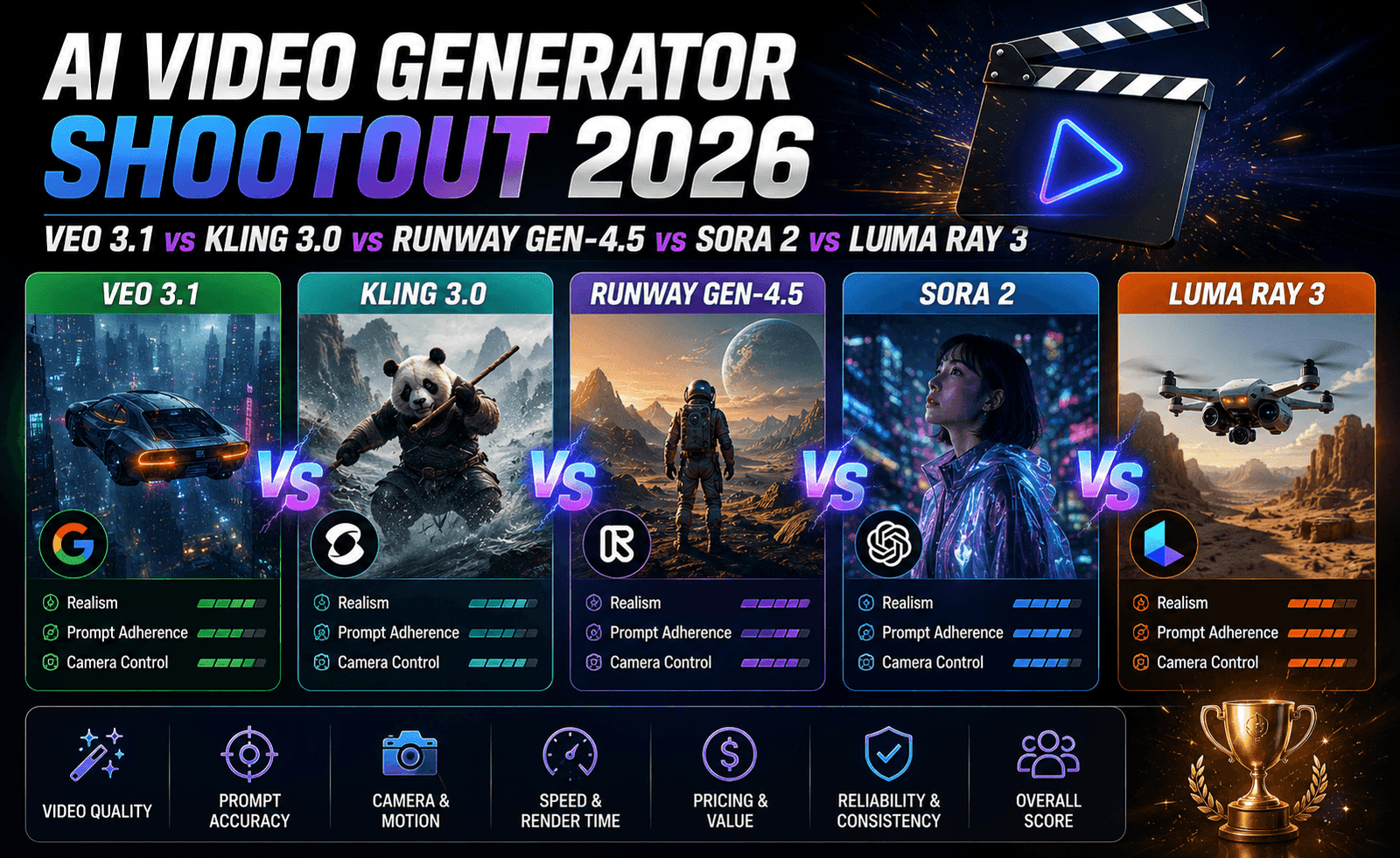
Not every AI video tool is trying to win the same competition. While Google, Kuaishou, and OpenAI have largely competed on raw model quality and per-second pricing, Runway has spent its recent release cycles building something closer to a full creative workstation than a single model wrapped in an API. Gen-4.5, the latest release, keeps that positioning intact, and now folds in access to Google’s Veo 3 and 3.1 models alongside Runway’s own, turning the product into a genuine multi-model editing environment. The Topeny Team spent multiple sessions testing Gen-4.5 against our standard evaluation suite to see how it holds up, both as a model and as a workspace.
What Is Runway Gen-4.5?
Runway Gen-4.5 is the newest release in Runway’s Gen-4 line, built around a set of tools that have become the reference point for controllable AI video generation: Keyframes, Motion Brush, Video-to-Video transformation, and explicit camera controls covering pan direction, focal length, dolly speed, and rack focus. Rather than pricing purely by the second, Runway uses a credit-based subscription model, which shifts the cost calculus depending on how heavily you use the platform’s editing tools versus raw generation.
Our Testing Methodology
We ran Runway Gen-4.5 through the same 40-prompt suite used across every report in this series: photorealistic human subjects, nature and environmental scenes, product shots, complex camera movement, dialogue and sound scenes, and multi-shot continuity. Because Runway’s interface is built around iterative editing rather than one-shot generation, we also ran a secondary test focused specifically on its control tools, starting from a single generated clip and using Keyframes and Motion Brush to adjust it, rather than regenerating from scratch each time.
Key Findings
Camera Control
This is Runway’s clearest advantage over every other model in this category. Where competitors respond to descriptive camera language, Runway lets you set explicit parameters, a 35mm focal length, a 12-degree pan, a slow dolly-in over the duration of the clip, and it holds those parameters accurately across the generation. For any creator who has worked with a real camera and knows what they want a shot to do, this is the difference between describing an outcome and directing one.
Editing Tools: Keyframes and Motion Brush
Keyframes let you set a starting and ending frame and have Runway generate the motion between them, which produced some of the most reliable, predictable results in our entire testing process, far more consistent than pure text-to-video generation for shots where you know exactly how a scene should begin and end. Motion Brush, which lets you paint the specific areas of a frame that should move and in what direction, gave us fine control over shots that would otherwise require several regeneration attempts with a text-only prompt. This is the single biggest reason Runway remains the recommended default for professional workflows.
Video-to-Video
Feeding existing footage into Gen-4.5 and applying a stylistic or environmental transformation worked convincingly in most of our tests, particularly for lighting and weather changes. Full style transfers, turning live-action footage into an animated look, for example, were more hit-or-miss and occasionally introduced flickering across frames that required manual cleanup afterward.
Multi-Model Access
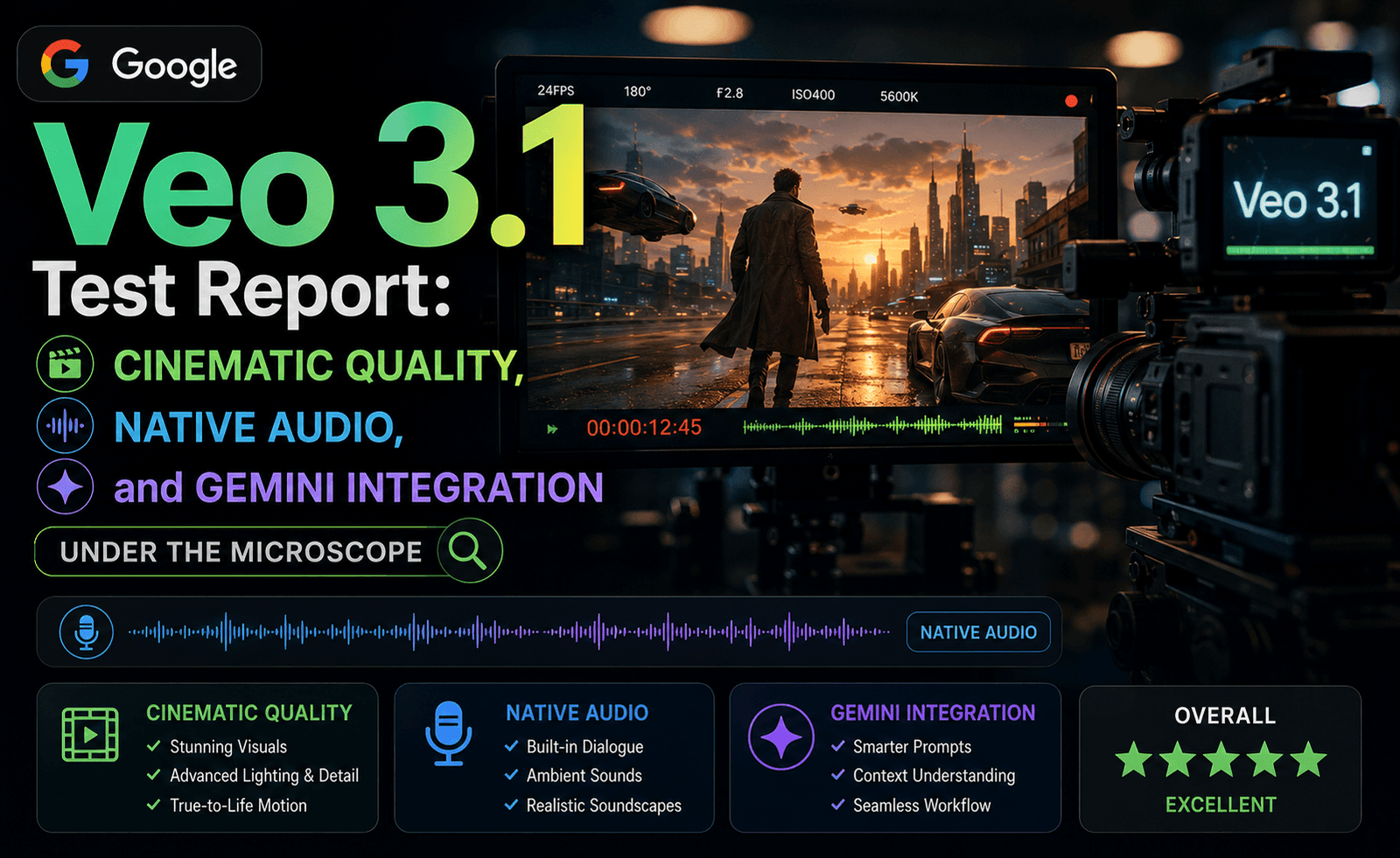
Gen-4.5’s integration of Google’s Veo 3 and 3.1 models directly inside the Runway interface is a meaningful shift. It means a team can use Runway’s editing tools, Keyframes, Motion Brush, camera controls, on top of Veo’s native audio and realism strengths, rather than choosing one ecosystem exclusively. In our testing, this hybrid workflow produced some of the best overall results of any single platform, combining Veo’s audio quality with Runway’s precision editing.
Raw Generation Quality
On pure text-to-video generation without any editing pass, Runway’s own model performed well but not quite at the level of Veo 3.1 or Kling 3.0 on photorealism alone. This is consistent with Runway’s positioning: it is not trying to win a pure model-quality contest, it is trying to be the best place to actually finish a shot.
Pricing
Runway’s credit-based system makes direct per-second comparison difficult, but in practical terms, occasional users found the Standard plan, roughly $12 to $15 per month, sufficient for testing and light use, while teams running heavier workloads gravitated toward the Unlimited tier, roughly $76 to $95 per month. For teams that value predictable monthly costs over usage-based billing, this structure is a genuine advantage over per-second API pricing.
Testing the Editing Tools in a Real Production Scenario
To go beyond isolated prompt scoring, we ran a small simulated production task: building a 30-second product showcase from a single reference photo. Using Keyframes, we set the opening frame from the reference image and generated three connected shots moving around the product, adjusting camera parameters between each generation to vary the angle and focal length deliberately. This is where Gen-4.5’s workflow advantage over one-shot generators became obvious. Rather than regenerating an entire clip from scratch and hoping for a usable result, we could isolate exactly which segment needed adjustment and regenerate only that portion, cutting our total iteration time roughly in half compared to running the equivalent task purely through text prompts on a competing model. Motion Brush was particularly useful for isolating product rotation from background movement, letting us keep the backdrop static while the product itself turned, a combination that text-only prompting on other tools handled inconsistently in our earlier reports.
The one friction point worth flagging: this level of control comes with a real time investment. Creators used to typing a prompt and accepting whatever comes back will need to adjust their expectations, and their workflow, to get the most out of Gen-4.5’s toolset.
What Changed Since Gen-3 Alpha
Runway’s earlier Gen-3 Alpha release was already respected for its editing tools, but the underlying generation quality lagged noticeably behind what Google and Kuaishou were shipping at the same time, which put Runway users in an awkward position: excellent tools attached to a comparatively weaker model. Gen-4.5 resolves much of that tension in two ways. First, Runway’s own base model closed a meaningful portion of the quality gap on its own. Second, and more importantly for most teams, the decision to integrate Veo 3 and 3.1 directly into the platform means users are no longer stuck choosing between Runway’s tools and a stronger competing model elsewhere. You can now have both inside a single project, which was simply not possible in the Gen-3 era.
Camera control parameters also became more granular in this release. Where Gen-3 offered coarser directional controls, Gen-4.5’s focal length and dolly speed settings behave more predictably across repeated generations, which matters a great deal for anyone trying to match shots across a multi-clip sequence.
Comparison at a Glance
| Criterion | Topeny Score (out of 10) |
|---|---|
| Camera Control | 9.6 |
| Editing Tools (Keyframes / Motion Brush) | 9.5 |
| Raw Model Quality | 8.3 |
| Video-to-Video | 8.0 |
| Workflow Flexibility | 9.4 |
| Value for Price | 8.1 |
Strengths
- Unmatched camera control with explicit, frame-accurate parameters
- Keyframes and Motion Brush give predictable, directable results that pure text prompting cannot match
- Now includes access to Google’s Veo 3 and 3.1 models inside the same workspace
- Credit-based pricing offers predictable monthly costs for heavy users
- The most complete environment for iterative, professional-grade editing
Weaknesses
- Raw text-to-video quality trails Veo 3.1 and Kling 3.0 slightly when used without the editing toolset
- Full stylistic transformations via Video-to-Video can introduce frame flicker
- Credit-based pricing makes cost comparison against per-second competitors less straightforward
- The learning curve for Keyframes and Motion Brush is steeper than simple text-prompt tools
Best Use Cases
Runway Gen-4.5 is the clear choice for filmmakers, motion designers, and agencies that need genuine creative control rather than a single-shot generation-and-hope workflow. It is less well suited to teams that just want a clean API to call at scale with minimal editing; those users are generally better served by Kling or Veo directly.
Frequently Asked Questions
Does Runway Gen-4.5 replace the need for Veo or Kling?
Not entirely. In fact, Gen-4.5 now lets you use Veo 3 and 3.1 directly inside Runway’s editing environment, so many teams use Runway as the workspace and Veo as one of the underlying models rather than treating them as competing choices.
Is Runway good for beginners?
The basic generation tools are approachable, but the advanced features that make Runway distinctive, Keyframes, Motion Brush, precise camera parameters, have a real learning curve compared to conversational prompting tools like Veo through Gemini.
What is the difference between the Standard and Unlimited plans?
Standard suits occasional or exploratory use, while Unlimited is built for teams generating and editing video regularly, removing the friction of tracking credit consumption during heavy production periods.
Can Runway generate audio natively?
Runway’s own model has more limited native audio generation than Veo 3.1, though using Veo directly within the Runway workspace gives you access to Google’s audio capabilities alongside Runway’s editing tools.
Verdict
Runway Gen-4.5 is not trying to be the best raw model in this category, and on that specific axis, it is not. What it is trying to be, the best place to actually finish a shot, it succeeds at more convincingly than anything else the Topeny Team tested this year. For any team where control matters as much as quality, it remains the safest default recommendation.
Topeny Overall Score: 8.8 / 10





Leave a Reply