

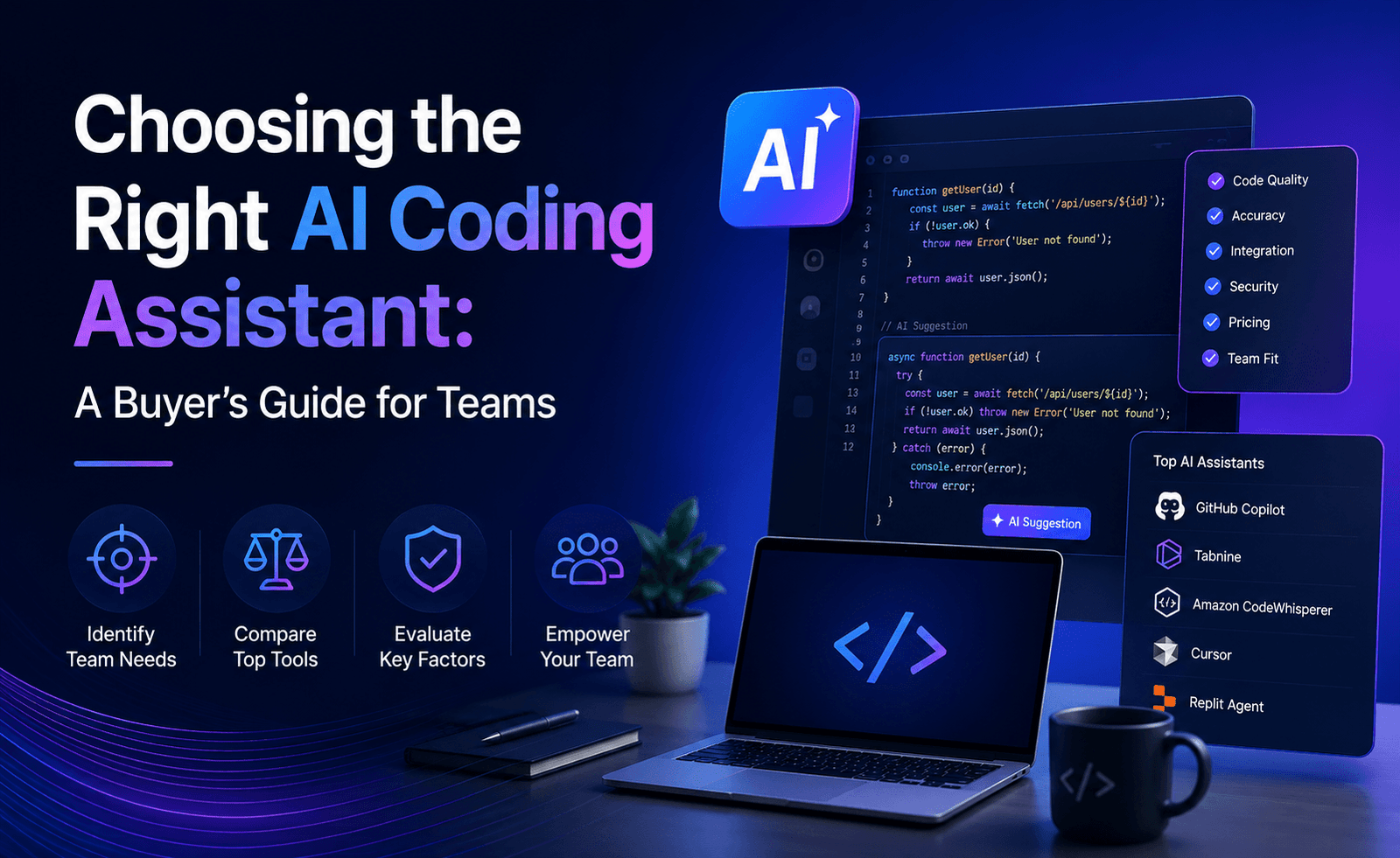
Every week we hear a version of the same question from engineering leaders: which AI coding assistant should we adopt? The honest answer is that the question itself is usually incomplete. The right tool depends heavily on codebase, team habits, risk tolerance, and budget structure, and a recommendation that ignores those factors is not much more useful than a leaderboard. This guide lays out the process we walk teams through at Topeny before they commit, structured as a series of concrete steps rather than a single ranked list.
Step 1: Define the Job You Actually Need Done
Before comparing tools, get specific about the work. “We want to be more productive” is not specific enough to evaluate against. More useful framings look like: “We want to reduce the time spent on repetitive CRUD endpoints and boilerplate tests,” or “We have a backlog of 200 well-scoped bug tickets and want to burn it down faster,” or “We want fewer typos and syntax errors slowing down code review.” Each of these points toward a different kind of tool. Repetitive, well-scoped, autonomous work favors a terminal-native agent with strong multi-file capability. Fast, local, incremental improvements favor an inline, IDE-embedded assistant. Teams should write this down explicitly before looking at a single product page.
Step 2: Match Architecture to Workflow
As covered in our market overview report, AI coding assistants generally fall into three architectural categories: terminal-native agents built for autonomous, multi-step work; AI-native IDEs that rebuild the editor itself around AI; and platform-integrated extensions layered onto existing editors and code hosting platforms. Each has a natural workflow fit.
- If your team is comfortable in a terminal and regularly tackles large, cross-file changes, a terminal-native agent will likely deliver the most value relative to the learning curve.
- If your team wants AI woven visually into every part of the editing experience and doesn’t mind adopting a new editor, an AI-native IDE is worth the switch.
- If your team is standardized on a particular code hosting platform and wants the lowest-friction rollout across a large, varied group of developers, a platform-integrated extension is usually the pragmatic starting point.
Many of the teams we advise end up choosing two tools from different categories rather than one, using each for the workflow it fits best. That is a reasonable outcome, not a failure to decide.
Step 3: Test on Your Own Codebase, Not a Demo
Vendor demos and public benchmark scores are optimized to look good, often on clean, well-structured example projects. Your codebase is probably not that. Before committing, run a real trial: pick two or three representative tasks your developers actually handle in a typical week, ideally including at least one that touches a messy or poorly documented part of the code, and have several developers run the same task through each candidate tool. This is the single step teams skip most often, and it is the one most likely to surface a mismatch a benchmark would never reveal.
Step 4: Model Pricing at Your Actual Usage Pattern
Pricing across this category ranges from free, capped tiers through flat monthly subscriptions up to usage-based plans that scale with how much autonomous, high-context work a developer actually does. A tool that looks inexpensive on its marketing page can become considerably more costly once a team’s heaviest users are running long, autonomous agent sessions multiple times a day. Before committing, ask the vendor directly what a realistic monthly cost looks like for your heaviest expected users, not just the advertised entry price, and build in headroom for usage to grow as adoption spreads past the early pilot group.
Step 5: Assess Security and Compliance Posture Early, Not Last
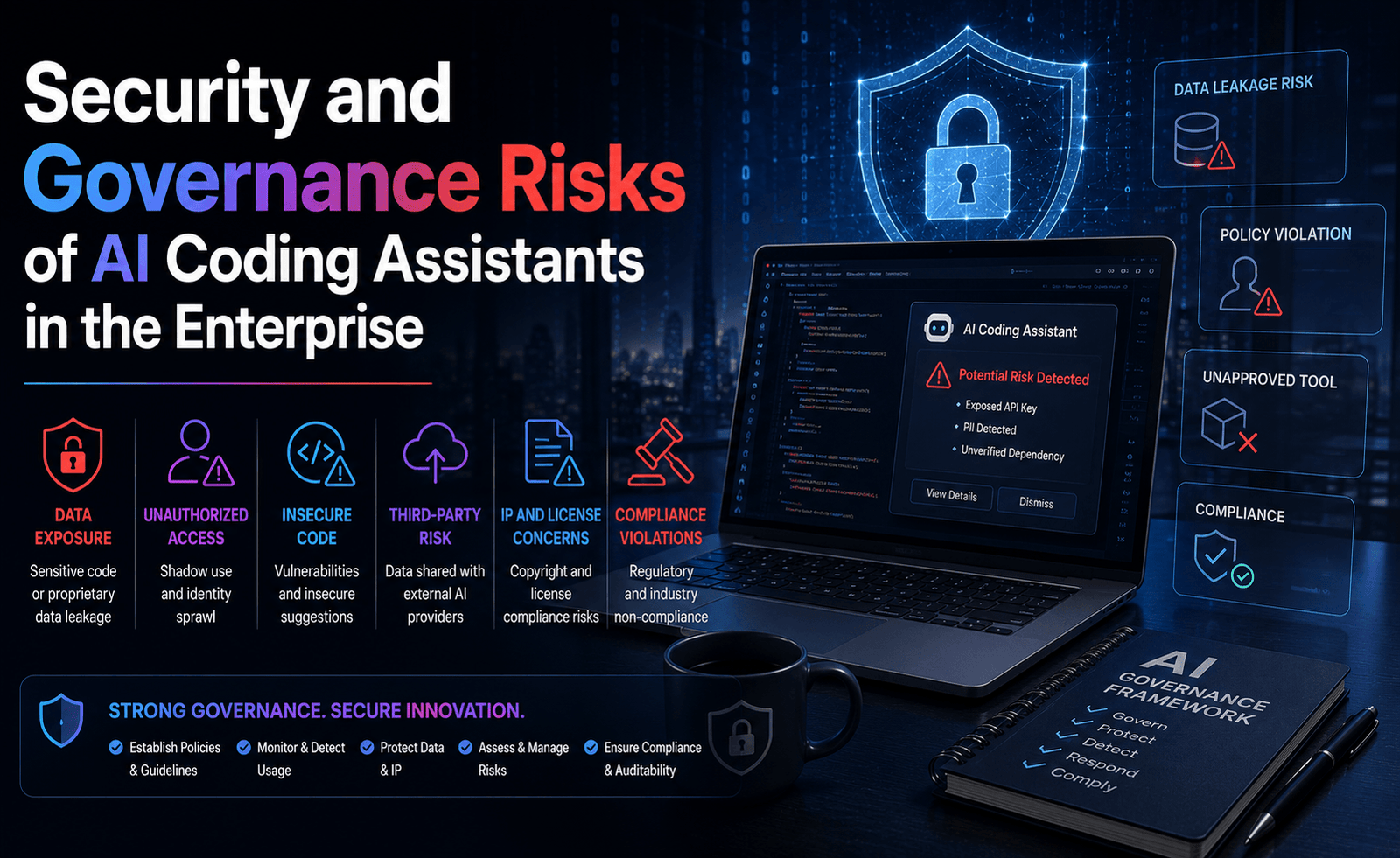
As we detail in our dedicated report on AI coding assistant security, this is not a step to defer until after a tool has already spread across your organization. Before rolling out broadly, get specific written answers on whether your code is ever used for model training, how long prompts and generated code are retained, whether a self-hosted or zero-retention deployment option exists, and what audit logging is available for any autonomous actions the tool takes, such as running commands or calling external APIs. If your organization operates under specific compliance obligations, confirm the vendor can support them explicitly rather than assuming a general security page covers it.
Step 6: Plan the Rollout, Not Just the Purchase
The tools with the smoothest adoption inside organizations we’ve worked with share a common pattern: a defined pilot group, a short feedback loop, and explicit guidance on what kinds of tasks the tool is expected to help with, rather than an unstructured license handed to everyone at once. A few practical elements worth including in a rollout plan:
- A written policy on what may and may not be pasted into a prompt, particularly around credentials and customer data.
- Updated code review expectations that treat AI-assisted code with the same or greater scrutiny as human-written code.
- A short onboarding session that covers effective prompting for your specific codebase and conventions, since results improve considerably once developers move from vague requests to clear, spec-like instructions.
- A defined point at which the pilot group’s feedback gets reviewed before wider rollout, rather than adoption spreading informally without a checkpoint.
Common Mistakes We See Teams Make
A few patterns come up often enough in our conversations with engineering leaders that they are worth naming directly, since avoiding them is often more valuable than any single feature comparison.
Choosing based on which tool is loudest online. The most-discussed tool in developer communities is not automatically the best fit for a given codebase, and popularity is a weak substitute for testing against your own repository. Public sentiment shifts quickly in this category, and a tool that dominated the conversation six months ago may already have been overtaken by a newer entrant or a major update to a competitor.
Rolling out to the entire organization at once. Skipping a structured pilot means any workflow mismatch, pricing surprise, or security gap gets discovered at full scale rather than with a small, contained group. A staged rollout costs a few extra weeks and consistently saves more than that in avoided rework.
Treating the purchase as the finish line. Buying a license is the easy part. The organizations that get the most value spend comparable effort on the rollout itself: updating review norms, training developers on effective prompting for their specific codebase, and setting expectations about what the tool is and isn’t good at.
Ignoring the security conversation until adoption is already widespread. As covered in our dedicated report on this topic, retrofitting governance onto a tool that is already deeply embedded in daily workflows is considerably harder than building it in from the start.
Optimizing for the lowest advertised price. As our head-to-head test report found, the tool with the lowest entry-level price is not always the cheapest option once your heaviest users’ actual usage patterns are factored in.
A Realistic Rollout Timeline
For teams that want a concrete sense of pacing, a reasonable rollout for a mid-sized engineering organization typically looks something like this: two to four weeks running a structured trial with a small pilot group against real tasks, one to two weeks reviewing pilot feedback and finalizing a written usage policy alongside security and legal, a phased rollout across the broader engineering team over four to six weeks with an open feedback channel, and then a check-in at the ninety-day mark to review the productivity and quality metrics that matter most to your organization before deciding whether to expand, adjust, or add a second tool for a different workflow. This is a starting template, not a rigid formula, but teams that skip most of these steps in favor of an immediate, organization-wide rollout are, in our experience, also the ones most likely to end up back at the drawing board within a few months.
A Quick Evaluation Checklist
For teams who want a condensed version of this guide to bring into a vendor conversation, these are the questions worth asking every candidate tool:
- Which architectural category does this tool fall into, and does that match how our team actually works?
- How did it perform on our own representative tasks, tested by our own developers, not a demo?
- What does realistic monthly cost look like for our heaviest expected users, not the advertised starting price?
- Is our code ever used for model training, and can that be excluded contractually?
- What data retention, self-hosting, and audit logging options exist?
- What does a sensible rollout and review process look like for our organization’s size and compliance requirements?
Final Thoughts
There is no universally correct AI coding assistant in 2026, and any recommendation that ignores your specific codebase, team habits, and risk profile should be treated with skepticism. The teams getting the most value from these tools are not the ones that picked the highest-scoring option on a leaderboard; they are the ones that matched a tool’s architecture to their actual workflow, tested it against their own real code before committing, and built governance into the rollout from day one rather than bolting it on afterward. That process takes a bit longer than picking the most talked-about name, but it is the difference between a tool that genuinely compounds your team’s output and one that just adds another subscription to the budget.





Leave a Reply