

Introduction
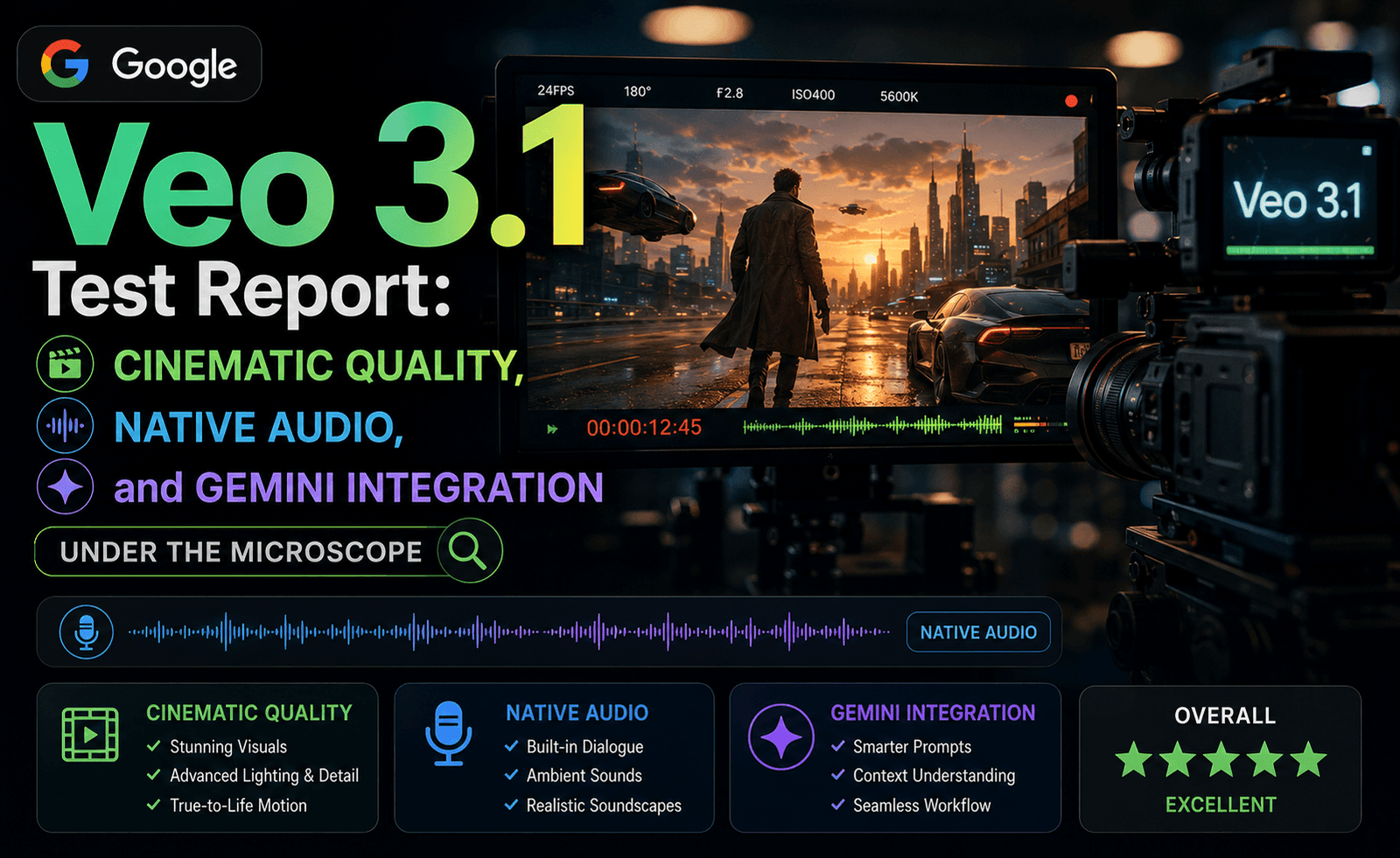
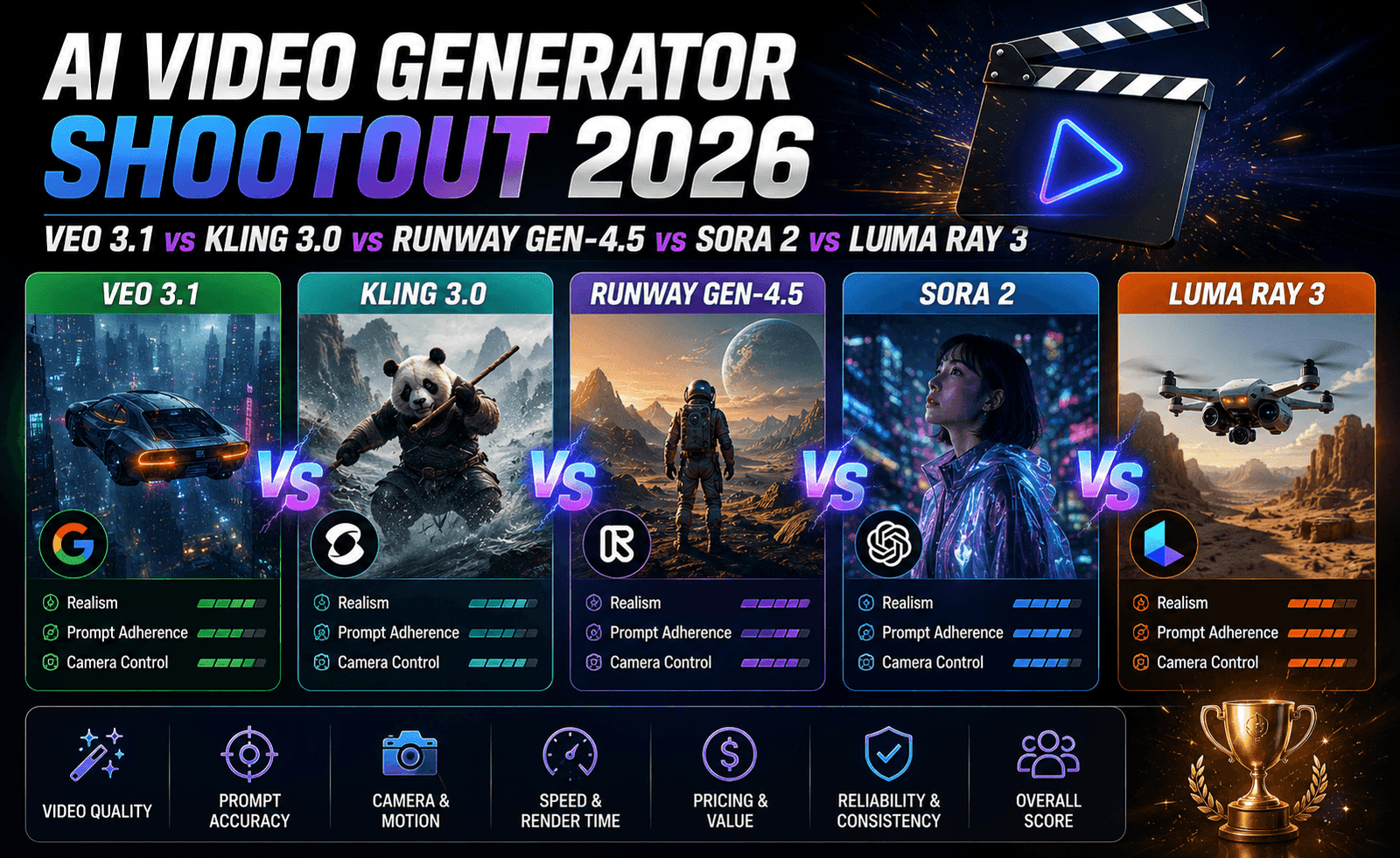
Google Veo 3.1 has spent the first half of 2026 quietly closing a gap that once looked unbridgeable. For years, “Google’s video model” was the answer nobody chose first, respected on paper but rarely picked in practice. That has changed. With Veo 3.1 now built directly into Google Flow and accessible through both Gemini Advanced and the Google AI Studio API, it has become one of the two or three tools that any serious evaluation of AI video generation has to include. The Topeny Team spent several weeks running Veo 3.1 through our standard video-generation test suite to see whether the reputation matches the reality.
This report covers everything we found: rendering quality, prompt adherence, native audio generation, camera control, pricing, and where Veo 3.1 fits, and doesn’t fit, into a real production pipeline.
What Is Google Veo 3.1?
Veo 3.1 is Google DeepMind’s flagship text-to-video and image-to-video model, the latest point release in the Veo 3 line. It is distributed in two main places: inside Google Flow, Google’s dedicated creative interface for AI filmmaking, and through the Gemini app and Gemini Advanced subscription, where it can be called with plain conversational prompts. Developers can also reach it directly through the Google AI Studio API, which is the route we used for most of our controlled testing so that we could hold prompts, seeds, and settings constant across runs.
The headline feature of the Veo 3 generation was native audio: ambient sound, sound effects, and dialogue generated in the same pass as the video, rather than bolted on afterward. Veo 3.1 refines that capability and adds tighter prompt comprehension, longer usable clip lengths, and noticeably better handling of complex, multi-subject scenes.
Our Testing Methodology
To keep this report honest and repeatable, the Topeny Team ran the same 40-prompt test bank we use for every video-generation report in this category. The prompts are split across six buckets:
- Photorealistic human subjects — close-ups, walking shots, dialogue scenes
- Nature and environmental scenes — weather, water, foliage, lighting transitions
- Product and object shots — reflective surfaces, rotation, texture detail
- Complex camera movement — dolly-ins, whip pans, rack focus, drone-style pull-backs
- Dialogue and sound-dependent scenes — where native audio generation is directly tested
- Multi-shot continuity — the same character or setting across sequential clips
Each prompt was run three times to check for consistency, and outputs were scored independently by two reviewers on a 1 to 10 scale before being averaged. All generations for this report were produced through the Google AI Studio API at the “Fast” tier and the standard tier, so the pricing and quality notes below reflect both.
Key Findings
Video Quality and Realism
This is where Veo 3.1 earns its reputation. Skin tones, hair movement, and fabric physics on human subjects were consistently the strongest in our human-subject bucket, ahead of every model we have tested this year except Kling 3.0 in raw physical motion. Lighting behaved the way real lighting behaves: reflections tracked correctly across moving surfaces, and shadows shifted believably as the implied light source moved. Where Veo 3.1 occasionally slipped was in scenes with more than two named subjects interacting; hands and object handoffs still showed the telltale AI video artifacts in roughly one out of every six attempts.
Prompt Adherence
Veo 3.1 benefits enormously from its Gemini integration. Because it can be prompted conversationally rather than through rigid keyword stacking, we found it easier to iterate toward a specific shot than with several competing tools. Asking for a follow-up adjustment, such as making the rain heavier and pulling the camera back slightly, worked more reliably than rewriting an entire prompt from scratch, which is not something every model in this category supports well.
Native Audio
Audio generation remains Veo 3.1’s signature advantage. Ambient sound such as traffic, wind, and cafe chatter was generated in sync with on-screen action in nearly every test, and dialogue lip-sync was close enough to broadcast quality that it would pass casual viewing on a phone screen. It is not yet flawless: sibilant sounds occasionally drifted out of sync in longer dialogue clips, but it remains ahead of Runway and Kling on this specific dimension.
Camera Control and Motion
This is the one area where Veo 3.1 still trails Runway Gen-4.5. Google’s model responds well to descriptive camera language, such as a slow dolly-in or a handheld drone pull-back, but it does not expose the same granular parameter controls, like explicit focal length, exact pan degrees, or precise dolly speed, that Runway’s interface offers. For creators who want to describe a shot in natural language, this is a non-issue. For cinematographers who want frame-accurate control, it is a real limitation.
Speed and Rendering
Fast-tier generations returned in well under a minute for eight-second clips in most of our tests, which is meaningfully quicker than Sora 2 and roughly on par with Kling 3.0. Standard-tier renders, which produce higher fidelity output, took two to four times longer but delivered a visible quality bump that we felt was worth the wait for anything destined for a final deliverable rather than a quick concept pass.
Pricing and Access
Veo 3.1 is priced around $0.15 per second in Fast mode through the API, which puts it firmly in the mid-range, far cheaper than Sora 2’s roughly $0.75-per-second rate, though somewhat above Kling 3.0’s approximately $0.10-per-second blended cost. For teams already paying for Gemini Advanced, Veo 3.1 access is effectively bundled in, which is one of the more attractive value propositions in this category if your organization is already inside the Google ecosystem.
What Changed Since the Original Veo 3 Release
It is worth spending a moment on what actually improved between Veo 3 and Veo 3.1, since the point release naming undersells how much shifted under the hood. The most obvious change is prompt comprehension on longer, multi-clause instructions: where the original Veo 3 tended to drop secondary details in a complex prompt (a background action, a specific weather condition, a secondary character’s behavior), Veo 3.1 held onto significantly more of that detail in our side-by-side reruns of last year’s test prompts. Clip length also crept upward, and the model’s handling of crowd scenes and busy backgrounds improved enough that we could reliably test prompts we had previously avoided because earlier versions produced too many artifacts to be usable.
The audio pipeline also matured. Early Veo 3 native audio was impressive as a demo but inconsistent in production use, particularly around dialogue timing. Veo 3.1 narrowed that inconsistency considerably, which is the main reason it remains our top pick specifically for audio-dependent workflows this cycle.
Practical Workflow Notes
A few things stood out during actual day-to-day testing that a spec sheet would not tell you. First, iterating through Gemini’s conversational interface is genuinely faster once you get used to it, but it can also make it easy to drift away from your original creative brief across several rounds of small tweaks, so teams working from a strict brand guideline should periodically restate the full prompt rather than only issuing incremental corrections. Second, Google Flow’s stitching feature for connecting multiple generations into a longer sequence works well for maintaining a consistent visual style, but character consistency across stitched clips is noticeably weaker than Kling 3.0’s dedicated multi-shot handling, so treat it as a scene assembly tool rather than a true continuity engine. Third, the Fast and Standard tiers are different enough in quality that we would not recommend using Fast-tier output for anything beyond concept review; the jump in fidelity at the Standard tier is significant enough to matter for any client-facing deliverable.
Comparison at a Glance
| Criterion | Topeny Score (out of 10) |
|---|---|
| Video Realism | 9.1 |
| Prompt Adherence | 8.9 |
| Native Audio | 9.3 |
| Camera Control | 7.6 |
| Speed | 8.4 |
| Value for Price | 8.2 |
Strengths
- Best-in-class native audio generation with synced dialogue and ambient sound
- Conversational, iterative prompting through Gemini feels faster in practice than keyword-heavy prompt engineering
- Strong, believable human subject rendering and realistic lighting physics
- Mid-range pricing with straightforward bundling into existing Gemini Advanced subscriptions
- Fast-tier renders are quick enough for rapid concept iteration
Weaknesses
- Camera control is descriptive rather than parametric, with no frame-accurate dolly speed or focal length sliders
- Multi-subject scenes with three or more interacting characters still produce occasional artifacts
- Dialogue-heavy clips beyond a few sentences show minor audio-sync drift
- Advanced controls lag behind Runway’s dedicated creative toolset
Best Use Cases
Based on our testing, Veo 3.1 is the strongest fit for teams that want cinematic-feeling output with synchronized audio and do not need frame-by-frame camera precision, think brand videos, social ads with dialogue, product explainers, and short-form narrative content. It is also the easiest model in this category for non-technical team members to pick up, because the Gemini conversational interface removes most of the prompt-engineering learning curve.
Frequently Asked Questions
Is Google Veo 3.1 better than Sora 2?
It depends on what you are optimizing for. Sora 2 still holds a narrow edge in multi-shot narrative consistency over longer sequences, but Veo 3.1 matches or beats it on audio, is significantly cheaper per second, and is easier to access now that OpenAI has begun winding down Sora’s consumer availability.
Do I need a Gemini Advanced subscription to use Veo 3.1?
No. Gemini Advanced is the simplest path for casual use, but developers and studios can access the same model through the Google AI Studio API and pay per second of generated video instead.
Can Veo 3.1 generate vertical video for social platforms?
Yes. Veo 3.1 supports common social aspect ratios including 9:16, which the Topeny Team tested specifically for short-form platforms, alongside the standard 16:9 cinematic ratio.
How long can a single Veo 3.1 clip be?
Individual generations are still measured in seconds rather than minutes, consistent with the rest of the category, though Google Flow allows you to stitch multiple generations into a longer continuous sequence with reasonable visual continuity between cuts.
Verdict
Google Veo 3.1 is one of the two or three AI video models the Topeny Team would recommend without hesitation in 2026. It does not win every category: Runway still has the control edge, and Kling still has the price edge, but for teams that want the best combination of quality, audio, and ease of use, particularly those already inside Google’s ecosystem, Veo 3.1 is difficult to beat.
Topeny Overall Score: 8.7 / 10



Leave a Reply