

Three years ago, an AI coding assistant meant a gray suggestion trailing the cursor, waiting to be accepted with a tab key. In 2026, the category looks nothing like that. The tools now under this label plan multi-step tasks, edit dozens of files in a single pass, run test suites, read error output, and correct their own mistakes without a developer typing a single character of the fix. What began as a convenience feature bolted onto a text editor has become a distinct layer of the software development stack, and for many teams, one of the most consequential purchasing decisions in engineering.
At Topeny, we track this category closely because the pace of change makes any six-month-old comparison feel outdated. This report is our attempt to step back from any single tool and describe the market as a whole: how it got here, how it is structured today, and what any engineering leader evaluating these tools in the second half of 2026 should understand before committing budget and workflow to one.
From Autocomplete to Autonomous Agents
The first wave of AI coding tools was built around a simple premise: predict the next few lines of code based on the surrounding file. That model was useful but narrow. It could finish a function signature or complete a repetitive pattern, but it had no understanding of the rest of the codebase, no ability to run anything, and no memory of what the developer was actually trying to accomplish.
The current generation operates on a fundamentally different premise. Modern assistants are given a goal in natural language, and they are expected to break that goal into steps, gather the context they need from across the repository, make edits across multiple files, execute commands such as running tests or a linter, read the results, and iterate until the goal is met. This is usually described as “agentic” behavior, and it is the defining shift of the current era. The assistant is no longer just predicting text; it is operating a development environment.
This shift did not happen because the underlying language models simply got smarter, although they did. It happened because tool builders wrapped those models in scaffolding that gives them hands: the ability to read a file, write a file, execute a shell command, query a codebase index, and see the output of each action before deciding on the next one. The model provides the reasoning; the scaffolding provides the ability to act. Both pieces have matured quickly, and the combination is what makes today’s tools feel qualitatively different from what shipped even eighteen months ago.
Three Architectures, Three Philosophies
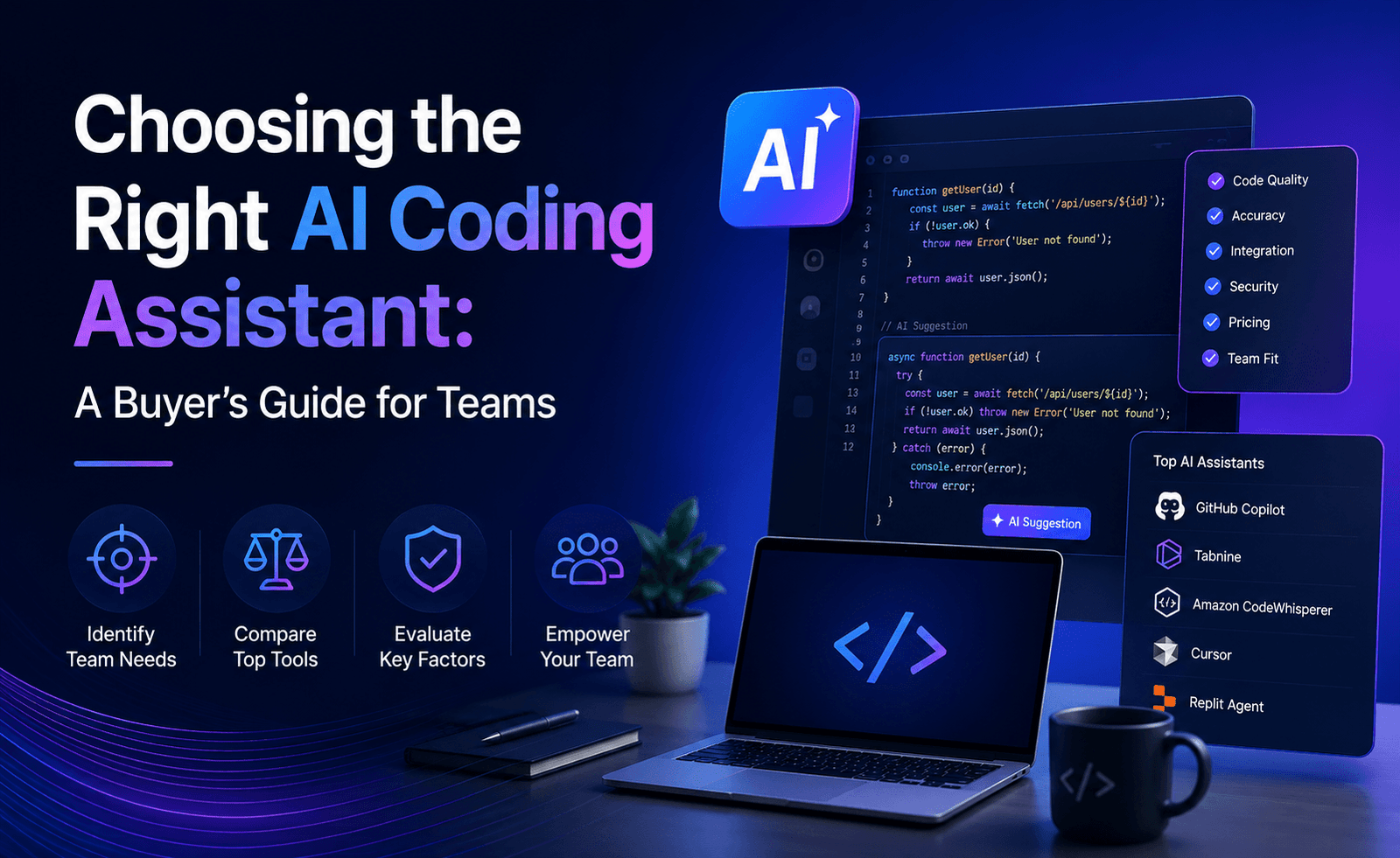
Despite the rapid pace of new entrants, the market has settled into three broad architectural approaches, and understanding which one a tool belongs to explains most of its strengths and limitations.
Terminal-native agents. These tools live primarily in the command line and treat the developer’s whole project as their workspace. They are designed for autonomy: give them a ticket description or a bug report and they will plan the work, touch whatever files are relevant, run the test suite, and report back. They tend to be the strongest choice for large, multi-file changes and for developers who are comfortable working outside a traditional graphical editor. Their weakness is exactly what you would expect from a command-line tool: there is no visual diff viewer built into the experience itself, and teams that expect a polished, point-and-click interface sometimes find the learning curve steeper.
AI-native IDEs. A second category rebuilds the code editor itself around AI rather than adding AI to an existing one. These tools are usually forks of a familiar open-source editor, redesigned so that AI-assisted editing, multi-file generation, and chat-driven refactoring sit at the center of the interface rather than in a side panel. Developers who want a visual, editor-first workflow with AI woven into every pane tend to gravitate here. The tradeoff is a degree of lock-in: switching editors is a bigger commitment than installing a plugin.
Platform-integrated extensions. The third approach adds AI capability directly into the editors and platforms developers already use, most commonly through extensions for popular IDEs and deep hooks into a code hosting platform’s issues, pull requests, and CI/CD pipeline. This approach trades some of the deeper autonomy of the other two categories for familiarity and the broadest possible reach across teams, languages, and existing workflows. For organizations that want to introduce AI assistance without asking every developer to change tools, this is often the path of least resistance.
None of these approaches has “won.” In our conversations with engineering teams, the most common pattern by far is not choosing one tool but combining two: a platform-integrated extension or an AI-native IDE for day-to-day inline editing, paired with a terminal-native agent for larger, more autonomous tasks like sweeping refactors or working through a backlog of bug tickets.
Who Is Actually Using These Tools
Adoption data from the last two quarters points to something that surprises people outside the industry: AI coding assistants are no longer a frontier technology used mainly by early adopters. Survey after survey of engineering organizations now finds that the overwhelming majority of companies are either actively using or actively piloting at least one AI coding tool, and a large share report that a meaningful fraction of the code entering their repositories today was AI-assisted in some form.
That level of adoption has changed who is making the purchasing decision. A year or two ago, individual developers often expensed a personal subscription and adoption spread organically. Today, procurement increasingly runs through engineering leadership and security teams, because the scale of usage means the tool is no longer a personal productivity choice but a piece of infrastructure that touches proprietary code, customer data, and compliance obligations.
Benchmarks Tell Only Part of the Story
Every vendor in this space now points to a benchmark score, most commonly a variant of automated coding benchmarks that measure whether a model can resolve real, historical software issues pulled from open-source repositories. These numbers are useful as a rough signal of raw capability, and the best tools now resolve a solid majority of the issues in the harder versions of these tests, which was unthinkable two years ago.
But benchmark performance and day-to-day usefulness are not the same thing. A model can be excellent at solving a self-contained bug report and still struggle inside a sprawling, poorly documented internal codebase with unusual conventions, or inside a monorepo with hundreds of interdependent services. In our own testing, the gap between benchmark performance and real-world performance is one of the most consistent things we observe, which is why we always recommend running a trial against a team’s own repository before making a decision, rather than trusting a leaderboard alone.
Pricing Has Become a Genuine Strategy Question
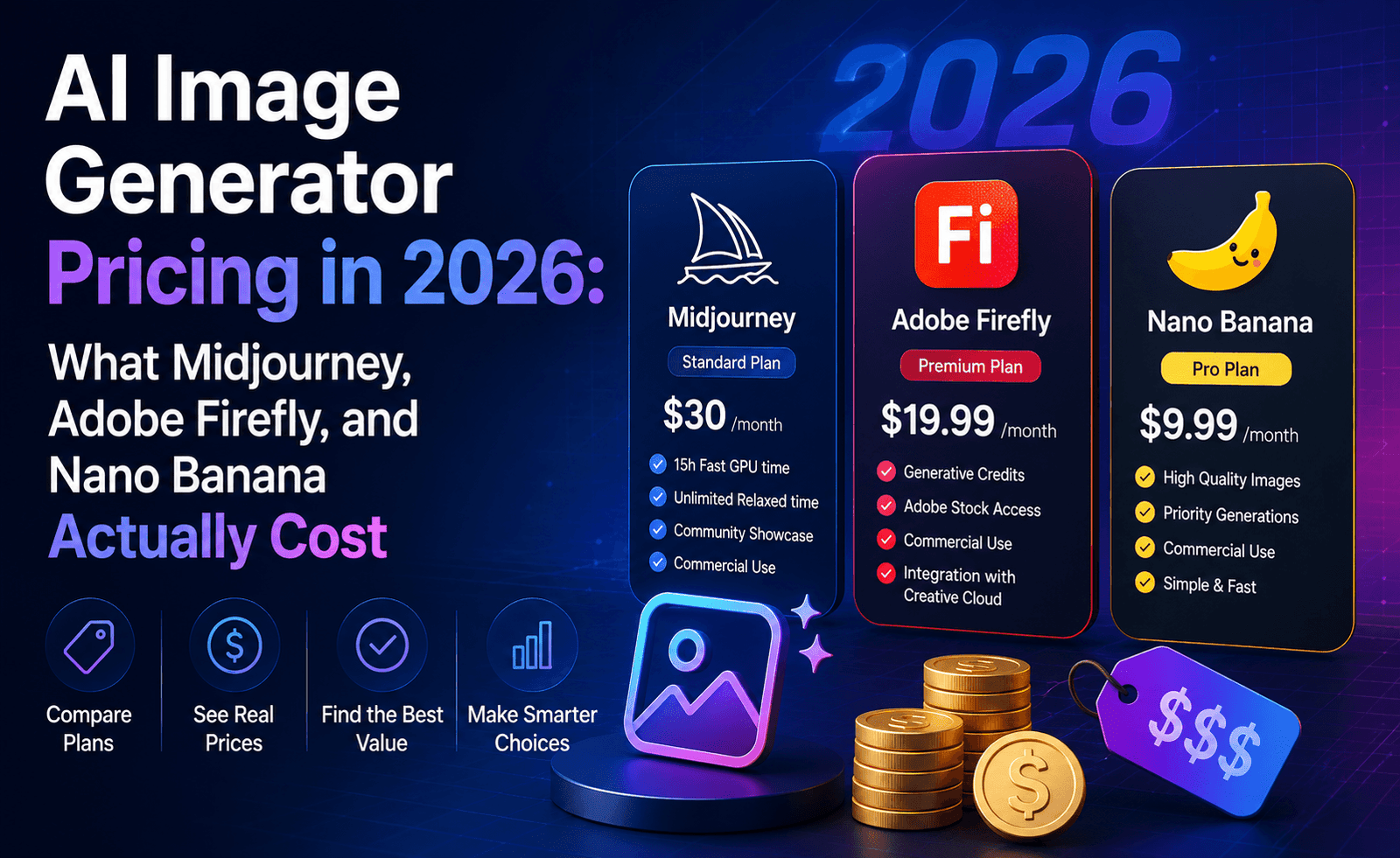
Pricing across the category now spans a wide range, from free tiers with a capped number of completions per month, through flat consumer subscriptions in the roughly ten-to-twenty-dollar range, up to usage-based or tiered plans that can run into the hundreds of dollars per month for developers who lean heavily on the most autonomous, high-context agentic workflows. That spread is not accidental. Simple inline completion is cheap to serve; long, autonomous, multi-step agent sessions that read large portions of a codebase and iterate repeatedly consume far more computation, and pricing increasingly reflects that reality.
For engineering leaders, this means the old model of a single flat per-seat license is starting to break down. Teams are having to think about usage tiers the way they once thought about cloud infrastructure spend: matching the plan to the actual pattern of work, rather than assuming one price fits every developer.
Governance Has Caught Up to Adoption
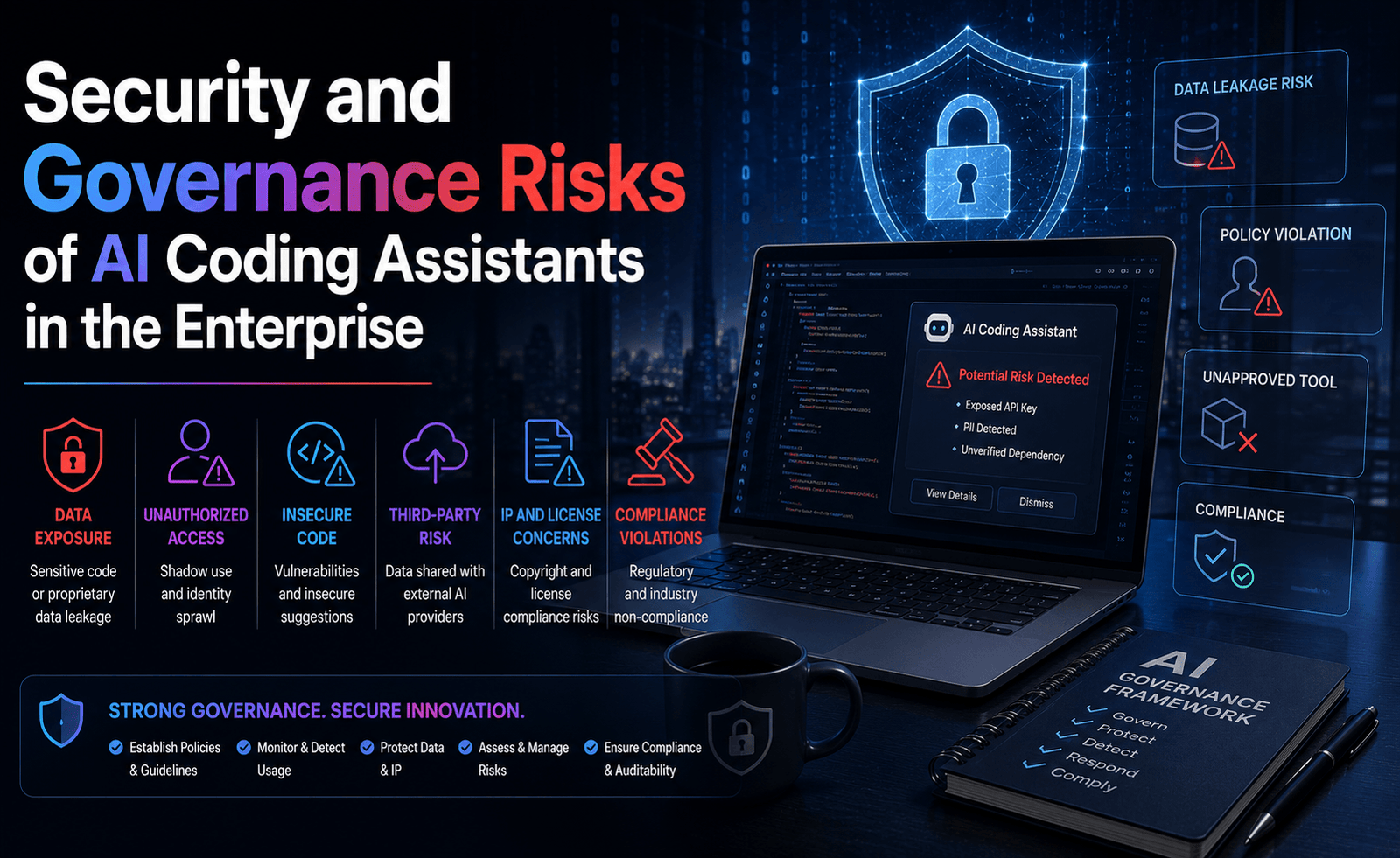
The speed of adoption has outpaced the speed of governance, and that gap is now one of the defining stories of the category in 2026. A large share of enterprises report they still lack a formal, written policy governing how AI coding tools should be used, even as those same organizations confirm that AI-generated code is already present throughout their codebases. Security leaders consistently rank this as a top concern, and the reasons are concrete: code that looks clean can still be logically insecure, secrets can end up in prompts or in generated sample code, and the sheer volume of code an agent can produce in a short session can outpace a review process built for a slower era.
We cover this topic in depth elsewhere in this series, but it is worth flagging here as a market-level trend: the vendors that are winning enterprise deals in 2026 are increasingly the ones that can answer detailed questions about data handling, retention, self-hosting options, and audit logging, not just the ones with the highest benchmark score.
What to Watch Next
A few trends look likely to define the next stage of this market. First, expect the line between an “AI coding assistant” and a broader “AI software engineer” to keep blurring, as agents take on more of the surrounding work of shipping software: writing tests, opening pull requests, responding to review comments, and triaging issues, not just writing the first draft of a function. Second, expect consolidation around a smaller number of dominant architectural patterns as smaller entrants get acquired or fold, even as the total number of niche tools for specific languages or frameworks keeps growing. Third, expect governance tooling, the products built specifically to monitor and control how AI coding assistants are used inside an organization, to become a category of its own, sold alongside the assistants rather than as an afterthought.
Our Take
The honest summary is that there is no single best AI coding assistant in 2026, only a best fit for a given team, codebase, and risk tolerance. The category has matured from a novelty into genuine infrastructure, and it deserves to be evaluated with the same rigor a team would apply to choosing a cloud provider or a CI system: a real trial against real code, a clear-eyed look at pricing at the usage levels your team will actually hit, and an honest conversation with security about what data leaves your environment. In the reports that follow in this series, we put the leading tools through exactly that kind of testing.



Leave a Reply