

Every few months at Topeny we run a controlled comparison of the leading AI coding assistants against the same set of real-world tasks, using the same test repository, the same prompts, and the same acceptance criteria for every tool. This report covers the three names that come up most often when engineering teams ask us where to start: a terminal-native agent, a platform-integrated extension tied to a major code hosting service, and a full AI-native IDE. We are describing them here by category and general reputation rather than treating any single run as a definitive score, because model updates and pricing change quickly and any snapshot benchmark ages fast. Our goal is to describe how each architecture actually behaves in practice, so you can map the findings onto whichever specific tools your team is evaluating today.
Test Methodology
We used a mid-sized TypeScript and Python monorepo with roughly 40,000 lines of code, a mix of a React frontend and a Flask-based backend service, an existing test suite, and a moderate amount of technical debt, which is to say, it looks like a real product rather than a tutorial project. Every tool was given the same three tasks:
- Task A – Bug fix: a reported issue where a date filter on a dashboard silently returned incorrect results across a timezone boundary.
- Task B – Feature addition: add a new paginated API endpoint and a corresponding frontend component, following the existing conventions in the codebase.
- Task C – Refactor: extract a duplicated validation routine used in four different files into a single shared utility, without changing behavior.
Each tool was scored on whether it completed the task correctly, how many follow-up prompts were required to get there, whether it respected existing code style and patterns, and whether the existing test suite still passed afterward.
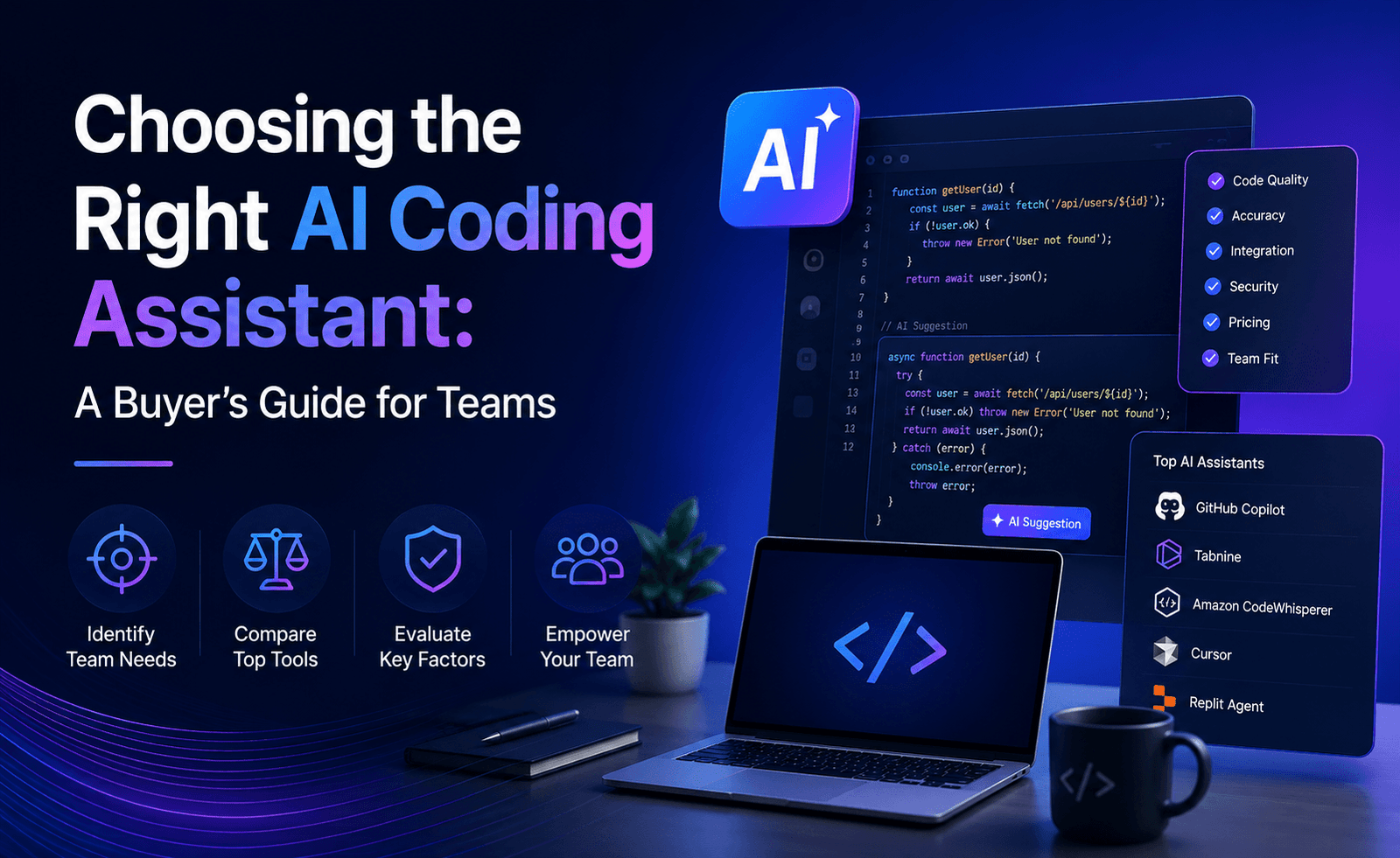
Terminal-Native Agent: Strongest at Autonomous, Multi-File Work
The terminal-native agent category, best represented by tools like Claude Code, was the strongest performer on Task C, the refactor. Given a single natural-language instruction, it located all four instances of the duplicated logic on its own, proposed a shared utility function, updated every call site, and ran the test suite without being asked to. It also caught an edge case in one of the four call sites that behaved slightly differently from the other three, flagged the discrepancy instead of silently overwriting it, and asked how we wanted to handle it before proceeding.
On Task A, the timezone bug, this category of tool was able to trace the data flow from the API response through the frontend filter logic entirely on its own, correctly identifying that the bug was in a date comparison that failed to account for the user’s local offset. It wrote a fix and a regression test in the same session.
The tradeoffs are consistent with what we described in our broader market overview: everything happens through a command-line interface, so there is no built-in visual diff review, and developers who prefer to watch changes happen inside a familiar editor pane will need to pair this kind of tool with their IDE’s own diff viewer rather than expecting one built in. Long autonomous sessions can also consume meaningfully more usage than quick inline completions, which matters for teams on usage-based pricing.
Platform-Integrated Extension: Best for Familiar, Incremental Work
The platform-integrated category, best represented by GitHub Copilot, felt the most familiar to developers already working inside a standard IDE, and its chat-based agent mode handled Task B, the new API endpoint and frontend component, comfortably, largely because it could lean on deep integration with the surrounding GitHub ecosystem, including existing issues and pull request context, to infer conventions.
Its inline completions remain the fastest and least disruptive of the three for small, local edits, which is exactly what you would expect from a tool built first as a pair programmer rather than an autonomous agent. On Task C, the refactor, it required more back-and-forth prompting to catch all four call sites and needed an explicit nudge to run the test suite afterward, whereas the terminal-native agent did both unprompted.
Where this category clearly wins is breadth: it supports the widest range of editors and languages of the three, has the lowest barrier to entry for a team already standardized on a major code hosting platform, and its free tier makes it the easiest starting point for individual developers or small teams testing the waters.
AI-Native IDE: Best Visual Workflow for Iterative Editing
The AI-native IDE category, best represented by Cursor, offered the strongest visual experience of the three. Its multi-file generation mode handled Task B well, and because the whole editor is built around AI-assisted diffing, reviewing exactly what changed, accepting some hunks and rejecting others, and iterating with follow-up instructions felt the most fluid and the least like switching between separate tools.
On Task A, the timezone bug, it found the issue correctly but took a more exploratory path, asking a couple of scoped questions about expected timezone behavior before committing to a fix, which some teams will value as caution and others will experience as extra friction compared to a tool that simply traces the bug on its own.
The obvious tradeoff is that this category asks developers to adopt a new editor rather than extend an existing one, which is a bigger organizational decision than installing a plugin, particularly for teams with established editor preferences or custom tooling built around a different IDE.
Side-by-Side Summary
| Dimension | Terminal-Native Agent | Platform-Integrated Extension | AI-Native IDE |
|---|---|---|---|
| Best task in our test | Multi-file refactor | Feature addition with GitHub context | Iterative, visually reviewed edits |
| Autonomy | Highest | Moderate | Moderate to high |
| Learning curve | Steeper (CLI-first) | Lowest | Moderate (new editor) |
| Editor lock-in | Low | Low | Higher |
| Ideal team profile | Comfortable with terminal, large refactors | Already standardized on GitHub | Wants AI baked into every editor pane |
What Surprised Us
The biggest surprise across this round of testing was not which tool “won,” because none of them won every task. It was how consistently the tools reflected their underlying architecture rather than raw model quality. The terminal-native agent’s advantage on the refactor task was less about superior reasoning and more about being designed from the ground up to operate autonomously across a codebase without hand-holding. The platform-integrated extension’s advantage on the feature task was less about raw capability and more about having rich contextual signal from the surrounding platform. This reinforces the point we made in our market overview report: the right question is rarely “which model is smartest” and much more often “which workflow does my team actually want.”
Recommendations by Use Case
- Large refactors, backlog burn-down, or teams comfortable in a terminal: a terminal-native agent is worth the learning curve.
- Teams already deeply invested in a single code hosting platform, or organizations prioritizing the lowest onboarding friction: a platform-integrated extension is the pragmatic default.
- Developers who want AI woven into every part of a visual editing experience and don’t mind switching editors: an AI-native IDE is the strongest fit.
- Most engineering teams we talk to: a combination of two tools, one for daily inline work and one for autonomous heavy lifting, outperforms betting everything on a single tool.
Context Windows and Codebase Size Matter More Than Advertised
One variable that rarely shows up in marketing copy but mattered a great deal in our testing was how each tool handled a codebase too large to fit entirely into a single model context window. All three tools use some form of indexing or retrieval to decide which files are relevant to a given task, rather than loading the entire repository at once, and the quality of that indexing turned out to matter as much as the underlying model.
The terminal-native agent was the most thorough about exploring the repository on its own, often opening several files we did not expect it to touch before settling on a plan, which cost a bit of extra time but consistently paid off in correctness on the refactor task. The platform-integrated extension leaned more heavily on the surrounding GitHub context, issues, linked pull requests, existing documentation, which was a genuine advantage on Task B specifically because that task resembled a well-documented feature request. The AI-native IDE’s codebase indexing was fast and generally accurate for the frontend portion of the monorepo but occasionally missed a relevant backend file until we referenced it explicitly, suggesting its retrieval is tuned somewhat toward the kind of frontend-heavy projects common among its user base.
The practical takeaway for teams with a large or unusually structured codebase: do not assume any of these tools will find everything relevant on the first try. Budget time in your own trial specifically for testing retrieval on your messiest, least-documented modules, not just your cleanest ones, since that is where indexing quality tends to diverge most between tools.
Cost in Practice, Not Just on the Pricing Page
We also tracked rough usage cost across the three tasks, and the spread was wider than the advertised entry-level prices would suggest. The platform-integrated extension’s flat, lower-cost subscription covered all three tasks comfortably within a normal day’s usage. The AI-native IDE’s cost sat in a similar range for Tasks A and B but climbed noticeably on Task C, where several rounds of iterative, visually-reviewed editing consumed more of its included usage than a single-shot request would have. The terminal-native agent’s autonomous, multi-step approach to Task C was the most usage-intensive of the three by a clear margin, consistent with the broader pattern we described in our market overview: long, autonomous agent sessions simply cost more to run than short, targeted completions, and pricing across the category increasingly reflects that.
None of this means one tool is objectively overpriced. It means the cheapest-looking entry price is not always the cheapest tool for a specific pattern of work, and teams evaluating these tools should estimate cost against the tasks they actually plan to hand off, not against a single quick completion.
A Note on Methodology and Change Over Time
Every tool in this category ships updates on a rolling basis, and pricing, context limits, and model options change often enough that a specific numeric score is stale within weeks. We are publishing this comparison as a description of behavior patterns by architecture rather than a fixed leaderboard, and we re-run this test periodically as part of our ongoing AI Software Test Reports series. If your team is close to a decision, we still recommend running your own trial against your own repository using the exact tasks your developers handle in a typical week, because the gap between a controlled test like ours and your actual codebase is often the most informative data point of all.




Leave a Reply