

Of every question we get asked about gaming VPNs, none comes up more often than the simplest one: will this actually make my ping worse? It is a fair concern. For years, VPNs earned a reputation, largely deserved at the time, for adding noticeable latency to any connection they touched, a dealbreaker for anyone playing competitive shooters, fighting games, or anything else where a few extra milliseconds can be the difference between landing a shot and eating one. This report breaks down how that picture has changed, what actually determines whether a VPN helps or hurts your ping, and how to evaluate a provider’s gaming performance for yourself rather than taking a marketing page’s word for it.
Why VPNs Used to Be Bad News for Gamers
The old reputation was earned honestly. Legacy VPN protocols like OpenVPN, while secure and reliable, carry meaningful encryption and encapsulation overhead that adds processing time to every packet passing through the tunnel. Combine that overhead with routing your traffic through a VPN server that may sit hundreds of miles out of the way relative to the most direct path to your game’s servers, and it was entirely plausible to see ping increases of 30, 50, or even 100 milliseconds compared to a direct connection, more than enough to notice in any twitch-reflex game and more than enough to actively hurt your performance in ranked play.
That reputation has stuck around in gaming communities long after the underlying technology moved on, which is understandable given how much frustration those early experiences caused. But the protocols most reputable VPN providers rely on today are simply not the same technology that earned VPNs their laggy reputation a decade ago.
The Protocol Shift That Changed Everything
The single biggest factor separating a modern gaming-capable VPN from an old-school laggy one is protocol choice. WireGuard, the open-source protocol that has become the industry standard over the past several years, uses a dramatically leaner codebase and more efficient cryptographic approach than legacy alternatives, translating directly into lower processing overhead per packet. Several major providers have built their own proprietary implementations on top of WireGuard’s foundation, tuning it further for their specific network infrastructure: NordVPN’s NordLynx and ExpressVPN’s Lightway are the two most widely deployed examples, both designed specifically to minimize the latency penalty a VPN tunnel imposes.
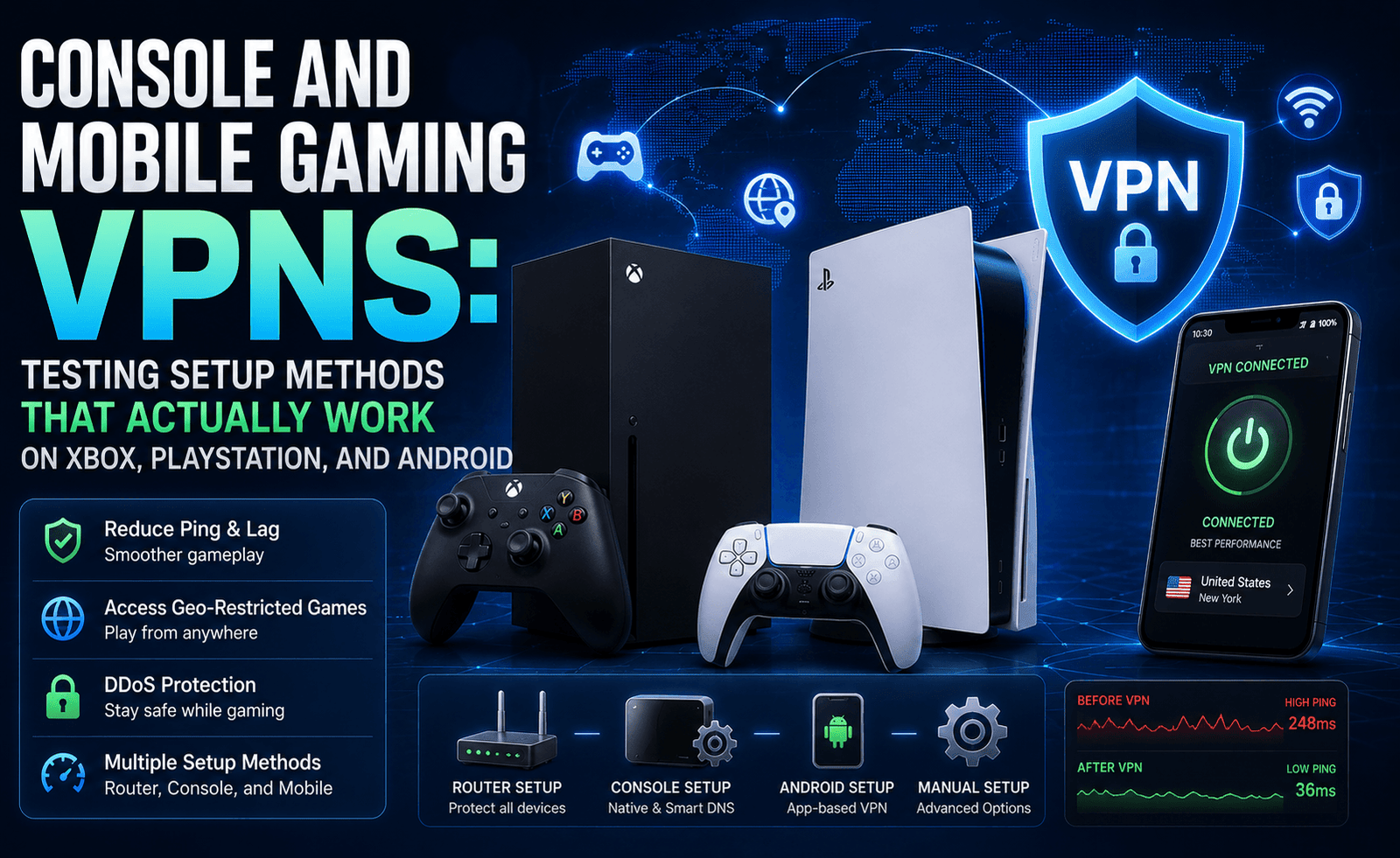
In practical terms, this shift means a well-configured modern VPN connection using one of these protocols typically adds somewhere in the range of one to twenty milliseconds of overhead under normal conditions, a world away from the 50-plus millisecond penalties that gave VPNs their bad reputation in the first place. In some specific cases, users report their VPN-routed connection actually testing lower than their unprotected baseline connection, a result that seems counterintuitive until you understand the second major factor at play: routing.
How a VPN Can Actually Lower Your Ping
It sounds paradoxical, adding an extra hop to your connection path should logically add latency, not remove it, but there is a legitimate mechanism by which a VPN can measurably improve your ping rather than degrading it. Internet service providers do not always route your traffic along the most direct or least congested path to a given destination; peering agreements, network congestion, and simple inefficient default routing can mean your actual path to a game server is considerably less direct than the geographic distance would suggest. When a VPN server happens to sit on a more efficient, less congested route to that same destination, connecting through it can shave real, measurable milliseconds off your effective ping rather than adding them.
This effect is neither universal nor guaranteed. It depends heavily on your specific ISP’s routing decisions, the VPN provider’s own network infrastructure and peering relationships, and the particular game server you are trying to reach. It is also, notably, the primary mechanism separating a legitimate ping improvement from simple marketing hype; no VPN provider can promise a ping reduction as a guaranteed outcome, because whether it happens at all depends on routing conditions specific to your connection that the provider does not fully control.
ISP Throttling: The Other Reason VPNs Help Gamers
Beyond routing efficiency, there is a second, more consistent way a VPN can improve real-world gaming performance: preventing your internet service provider from selectively throttling gaming traffic during peak usage hours. Some ISPs, particularly in markets with limited competition, have been documented deliberately deprioritizing certain categories of traffic, including gaming and streaming, during periods of high network congestion, a practice that is difficult for an individual customer to detect directly but that can manifest as inconsistent ping, packet loss, or jitter specifically during evening hours when overall network usage peaks. Because a VPN encrypts your traffic and obscures its specific type from your ISP’s traffic-shaping systems, it can prevent this kind of selective throttling from affecting your connection, even if it cannot do anything about genuine, non-discriminatory network congestion affecting all traffic equally.
What a Proper Gaming VPN Test Actually Measures
A meaningful test of a VPN’s gaming performance needs to look beyond a single ping measurement taken once under ideal conditions. Latency is only part of the picture; jitter, the variation in ping over time, matters just as much for a smooth gaming experience, since a connection that averages a perfectly reasonable 40 milliseconds but regularly spikes to 150 milliseconds and back will feel considerably worse in practice than a stable connection sitting consistently at 55 milliseconds. Packet loss is the third critical metric, since lost packets manifest as dropped inputs, rubber-banding, and the kind of frustrating desync that makes a game feel unplayable regardless of what the average ping number reports.
A rigorous test methodology measures all three metrics, latency, jitter, and packet loss, across multiple server locations and, ideally, across different times of day to account for peak-hour network congestion, comparing results both with and without the VPN connection active on the same underlying internet connection. Testing a single game at a single time of day against a single nearby server location tells you very little about how a VPN will actually perform across the range of conditions real gaming sessions involve.
Server Load and Hardware Matter More Than Most Reviews Admit
One factor that gets less attention than protocol choice but arguably matters just as much for consistent gaming performance is the underlying capacity and load of the specific VPN server you connect to. A VPN provider advertising thousands of server locations worldwide is not a guarantee that any individual server has the hardware capacity or available bandwidth headroom to handle encryption and routing for its current user load without introducing additional processing delay. Popular server locations during peak regional hours can become genuinely congested, adding latency and jitter that has nothing to do with the underlying protocol’s theoretical overhead and everything to do with too many simultaneous users sharing constrained server resources.
This is why the more reputable gaming-focused VPN providers have started publishing real-time server load indicators directly within their apps, letting users see at a glance which servers are running near capacity before connecting, rather than discovering the problem only after noticing degraded performance mid-session. If a provider you are evaluating does not offer this kind of transparency, it is worth manually testing several server options within your target region rather than assuming the first one you try represents the provider’s best possible performance.
Practical Recommendations for Testing a Gaming VPN Yourself
Rather than relying entirely on any single review, including this one, we recommend gamers run their own basic testing before committing to a VPN for competitive play:
- Test with the closest available server first. Geographic proximity to the VPN server generally correlates strongly with lower added latency; a server on a different continent will almost always add more overhead than one in your own region.
- Compare WireGuard-based protocols against legacy options within the same provider. If a provider offers both WireGuard and OpenVPN, test both; the difference in your specific case can be substantial.
- Test at your actual peak gaming hours, not just during the day. ISP throttling and network congestion effects are often time-dependent, so a test run at 2 PM may look very different from the same test at 9 PM.
- Measure jitter and packet loss, not just average ping. Tools like PingPlotter or in-game network diagnostics overlays can reveal instability that a single ping measurement misses entirely.
- Take advantage of free trials or money-back guarantees to test in your actual games. Synthetic speed tests are a useful starting point, but the only test that fully matters is how the VPN performs in the specific games you actually play.
The Bottom Line
The blanket claim that VPNs are bad for gaming latency is, at this point, several years out of date. Modern protocols have reduced the inherent overhead a VPN tunnel adds to a level that is genuinely difficult to notice in most everyday play, and in certain routing and throttling scenarios, a well-chosen VPN server can measurably improve your effective connection quality rather than degrading it. That said, results are never universal or guaranteed, since they depend on factors specific to your ISP, your geographic location, and the particular game servers you are trying to reach. The only way to know for certain how a given VPN will affect your specific setup is to test it directly, ideally using the structured, multi-metric approach outlined above, rather than assuming either the outdated “VPNs are always bad for gaming” narrative or an optimistic provider’s marketing claims without verification.


Leave a Reply